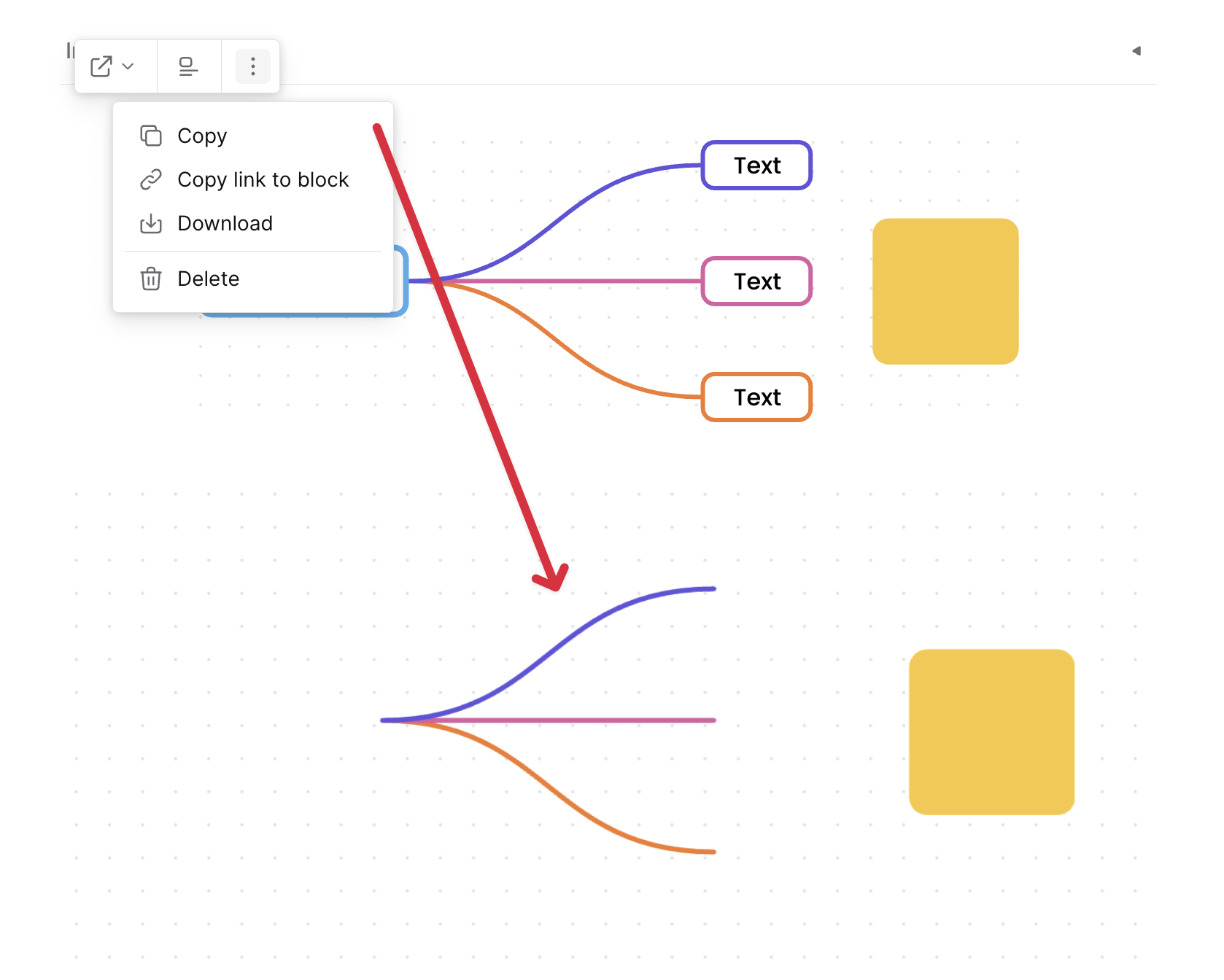
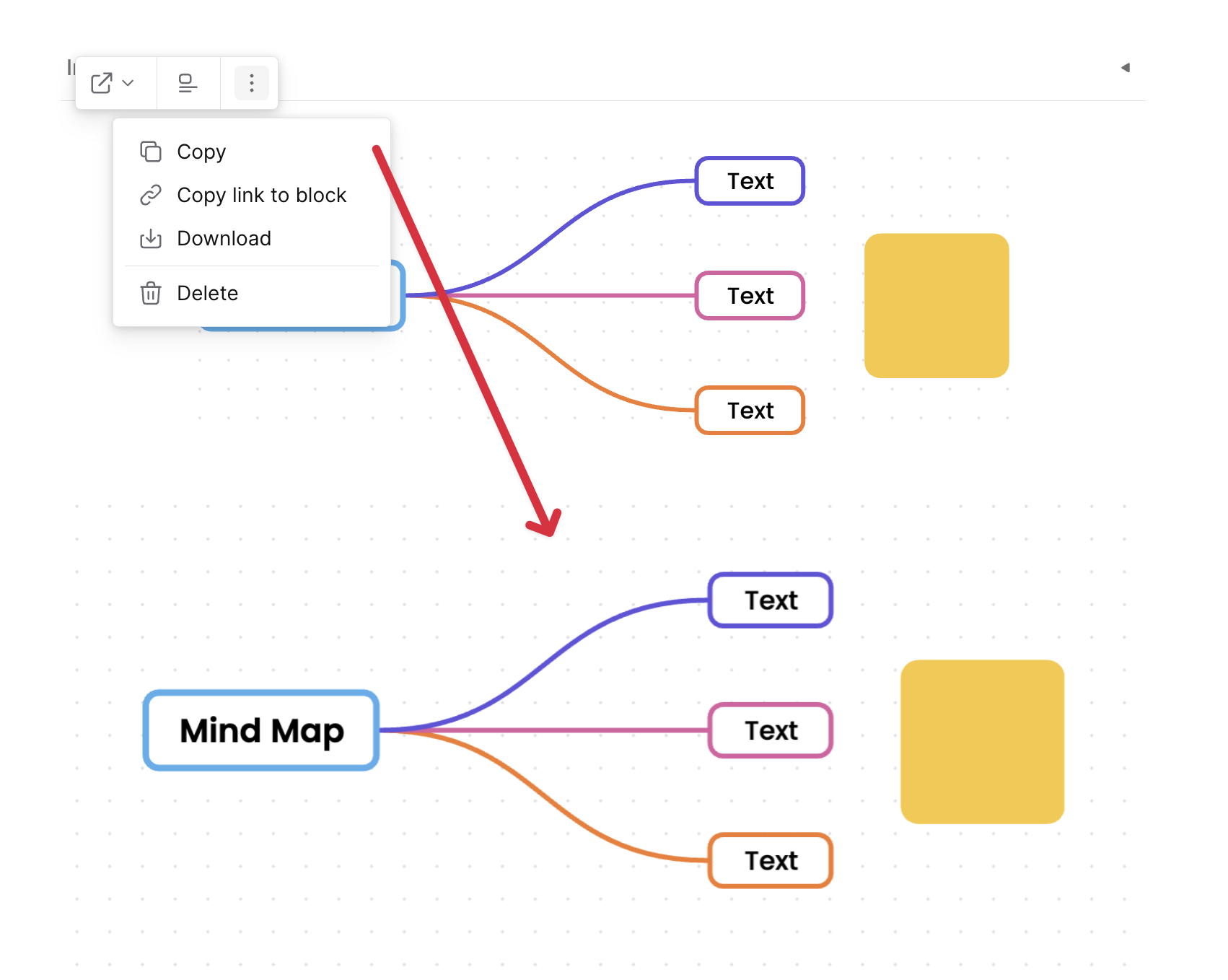
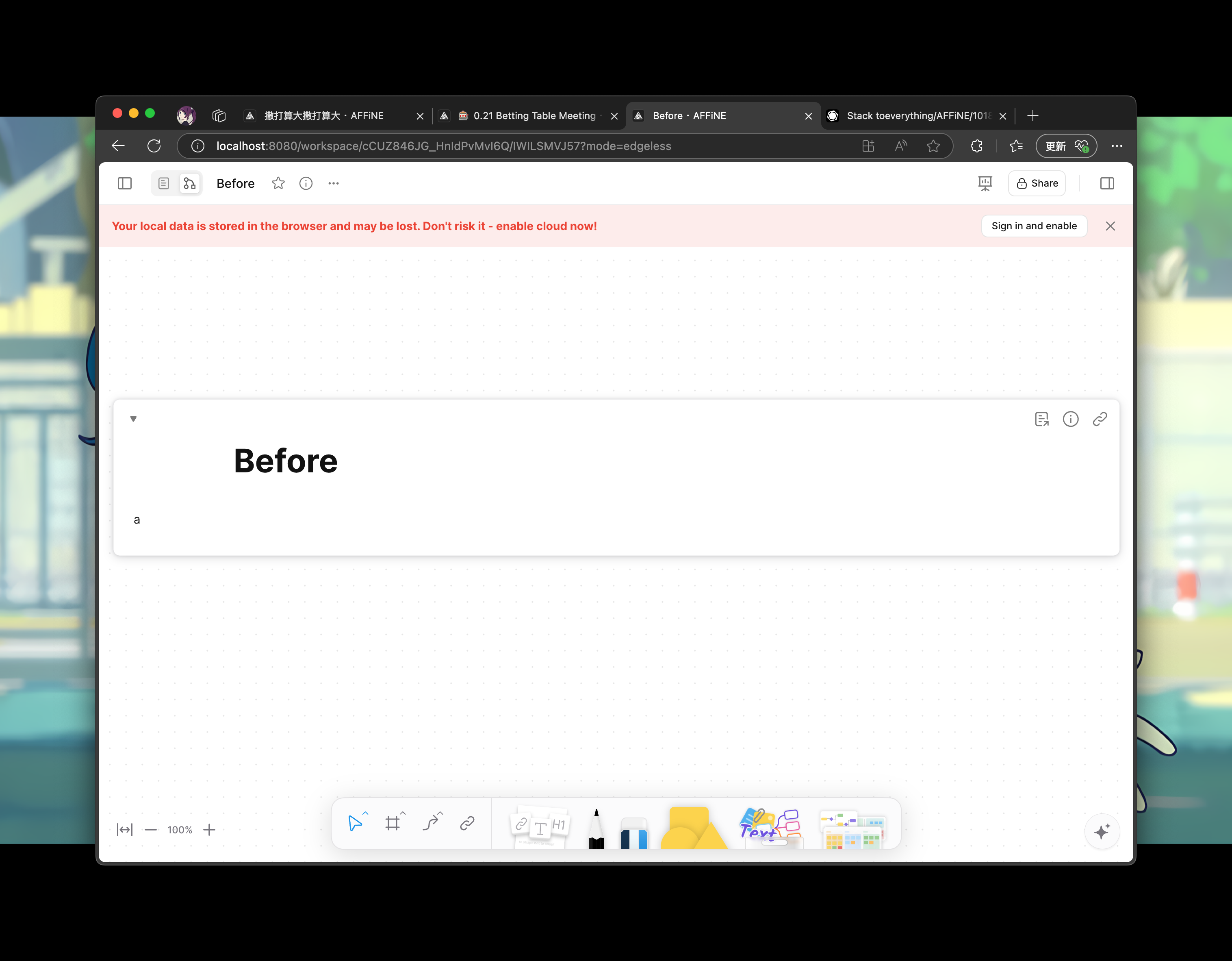
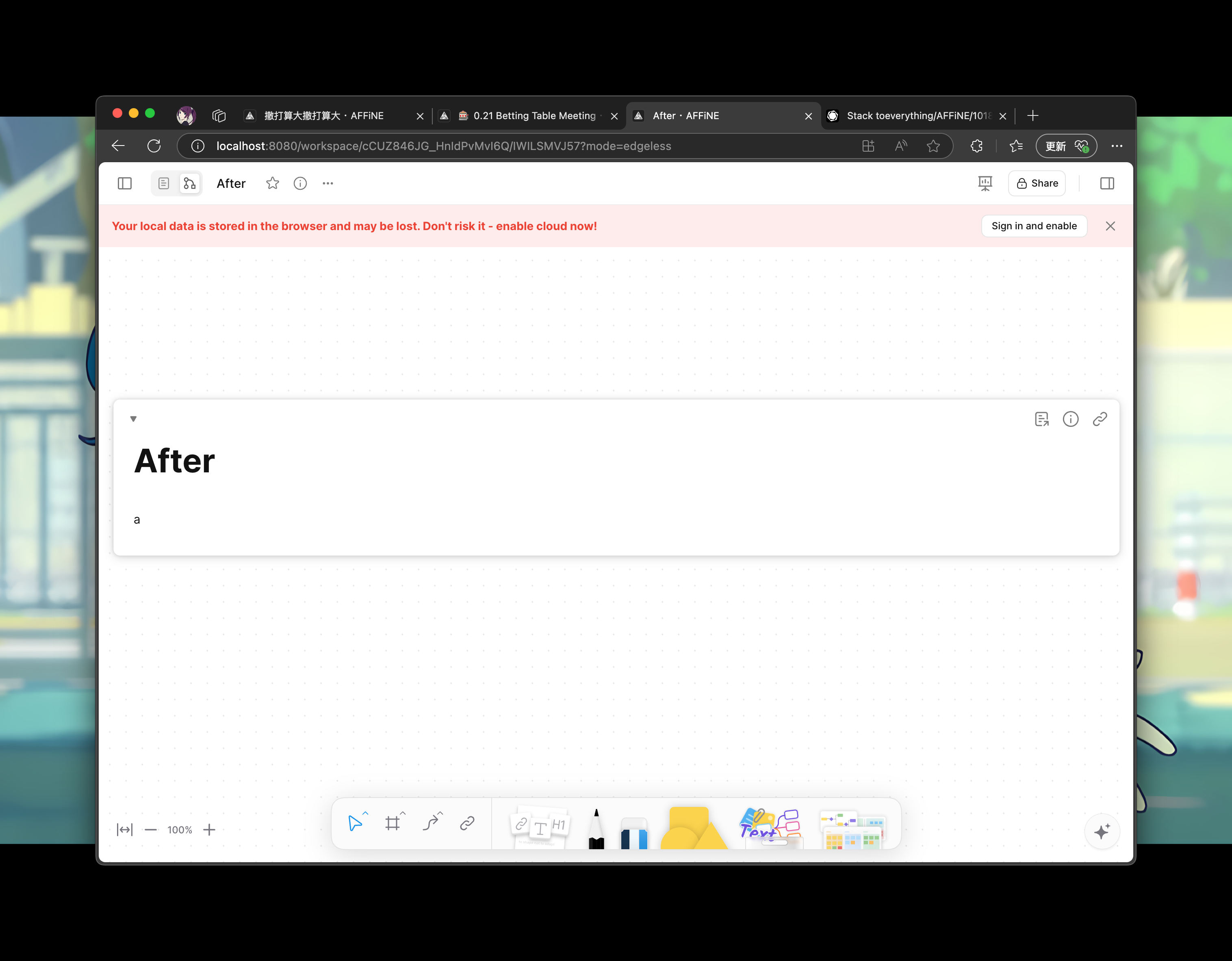
Close [BS-3029](https://linear.app/affine-design/issue/BS-3029/frame-里面的-shape-没办法进入文本编辑模式)
Close [BS-3082](https://linear.app/affine-design/issue/BS-3082/按s切换至shape工具,在白板上点击会创建两个shape)
Close [BS-3091](https://linear.app/affine-design/issue/BS-3082/按s切换至shape工具,在白板上点击会创建两个shape)

## Fix Shape Tool Issues

This PR addresses several issues with the shape and mindmap tools functionality in the editor:

1. **Fix text editing after mode switching**: Resolves an issue where users couldn't edit text in shapes after switching editor modes. The fix ensures the edgeless block is properly retrieved when double-clicking on a shape.

2. **Improve tool switching behavior**: Fixes issues with tool overlays not showing or being repeated when switching between tools. This includes:
   - Properly handling tool overlay visibility
   - Ensuring only one tool is active at a time when using keyboard shortcuts
   - Adding proper cleanup when switching tools

3. **Add comprehensive tests**: Adds new test cases to verify:
   - Shape creation with keyboard shortcuts
   - Shape text editing after mode switching
   - Tool switching behavior with keyboard shortcuts
Close [BS-2917](https://linear.app/affine-design/issue/BS-2917/【移动端】ios-唤起键盘的edge-case)

This PR fixes an issue where the keyboard cannot be re-triggered on iOS devices after the keyboard toolbar is hidden or executing some actions in keyboard toolbar.

Key changes:
- Preserve and restore the initial input mode when keyboard toolbar shows/hides
- Improve virtual keyboard service interface to better handle keyboard state
- Add proper cleanup of input mode state in component lifecycle
Close [BS-2866](https://linear.app/affine-design/issue/BS-2866/presentation-mode中的note消失)

## Problem
When using RequestAnimationFrame (RAF) for GFX block updates, there was a timing issue where the transform update would lag behind the RAF callback, causing the block to display with the previous frame's transform state.

## Solution
1. Refactored the block state management to use signals for better reactivity
2. Moved block visibility state management from `viewport-element.ts` to `gfx-block-component.ts`
3. Added `transformState$` signal to track block state
4. Synchronized transform updates with RAF using `effect` to ensure updates happen in the correct frame
5. Added test case to verify note visibility in presentation mode
### What Changes
- Fixed incorrect edgeless viewport display in peek view
  - Moved page block viewport fit animation logic from `EdgelessRootBlockComponent` to note config extension
  - Disabled page block viewport fit animation in peek view, using default `fitToScreen` instead
  - @doodlewind Fixed viewport resizing issues by adding a immediate update mechanism to ensure proper rendering during peek view operations.  The setViewportByBound is only called once during peek view initialization, so there are barely perf overhead.
- Updated related test cases
  - Refactored peek view test cases to make them clearer and more reliable
  - Added new test helper function `getViewportBound` for getting viewport boundary information
Close [BS-2744](https://linear.app/affine-design/issue/BS-2744/slash-menu%E6%8F%92%E4%BB%B6%E5%8C%96%EF%BC%9Aaction%E6%B3%A8%E5%86%8C%E5%85%A5%E5%8F%A3)

This PR mainly focus  on providing an entry point for configuring the SlashMenu feature. Therefore, it strives to retain the original code to ensure that the modifications are simple and easy to review. Subsequent PRs will focus on moving different configurations into separate blocks.

### How to use?
Here is the type definition for the slash menu configuration.  An important change is the new field `group`, which indicates the sorting and grouping of the menu item. See the comments for details.

```ts
// types.ts
export type SlashMenuContext = {
  std: BlockStdScope;
  model: BlockModel;
};

export type SlashMenuItemBase = {
  name: string;
  description?: string;
  icon?: TemplateResult;
  /**
   * This field defines sorting and grouping of menu items like VSCode.
   * The first number indicates the group index, the second number indicates the item index in the group.
   * The group name is the string between `_` and `@`.
   * You can find an example figure in https://code.visualstudio.com/api/references/contribution-points#menu-example
   */
  group?: `${number}_${string}@${number}`;

  /**
   * The condition to show the menu item.
   */
  when?: (ctx: SlashMenuContext) => boolean;
};

export type SlashMenuActionItem = SlashMenuItemBase & {
  action: (ctx: SlashMenuContext) => void;
  tooltip?: SlashMenuTooltip;

  /**
   * The alias of the menu item for search.
   */
  searchAlias?: string[];
};

export type SlashMenuSubMenu = SlashMenuItemBase & {
  subMenu: SlashMenuItem[];
};

export type SlashMenuItem = SlashMenuActionItem | SlashMenuSubMenu;

export type SlashMenuConfig = {
  /**
   * The items in the slash menu. It can be generated dynamically with the context.
   */
  items: SlashMenuItem[] | ((ctx: SlashMenuContext) => SlashMenuItem[]);

  /**
   * Slash menu will not be triggered when the condition is true.
   */
  disableWhen?: (ctx: SlashMenuContext) => boolean;
};

// extensions.ts

/**
 * The extension to add a slash menu items or configure.
 */
export function SlashMenuConfigExtension(ext: {
  id: string;
  config: SlashMenuConfig;
}): ExtensionType {
  return {
    setup: di => {
      di.addImpl(SlashMenuConfigIdentifier(ext.id), ext.config);
    },
  };
}
```

Here is an example, `XXXSlashMenuConfig` adds a `Delete` action to the slash menu, which is assigned to the 8th group named `Actions` at position 0.
```ts
import { SlashMenuConfigExtension, type SlashMenuConfig } from '@blocksuite/affine-widget-slash-menu';

const XXXSlashMenuConfig = SlashMenuConfigExtension({
  id: 'XXX',
  config: {
    items: [
      {
        name: 'Delete',
        description: 'Remove a block.',
        searchAlias: ['remove'],
        icon: DeleteIcon,
        group: '8_Actions@0',
        action: ({ std, model }) => {
          std.host.doc.deleteBlock(model);
        },
      },
    ],
  },
});
```
Close [BS-1869](https://linear.app/affine-design/issue/BS-1869/[bug]-android-chrome-%E8%BE%93%E5%85%A5%E9%94%99%E8%AF%AF)

## Problem
On Android devices, keyboard events do not properly capture key information, causing the backspace key and other keyboard functionalities to malfunction. This is due to the specific behavior of Android platform, as discussed in:
- https://stackoverflow.com/a/68188679
- https://stackoverflow.com/a/66724830

## Solution
1. Added special handling for Android platform in `KeyboardControl` class by using `beforeInput` event instead of `keyDown` event
2. Implemented `androidBindKeymapPatch` function to handle special key events on Android platform
3. Updated event handling logic in related components, including:
   - CodeBlock
   - ListKeymap
   - ParagraphKeymap
   - PageKeyboardManager

## Changes
- Added `androidBindKeymapPatch` function for handling key events on Android platform
- Modified `KeyboardControl.bindHotkey` method to add `beforeInput` event handling for Android
- Unified event object access using `ctx.get('defaultState').event` instead of `keyboardState.raw`
- Updated key event handling logic in multiple components

## Before

https://github.com/user-attachments/assets/e8602de4-d584-4adf-816f-369f38312022

## After

https://github.com/user-attachments/assets/f9e1680e-28ff-4d52-bdab-7683cdcb6f82
Close [BS-2647](https://linear.app/affine-design/issue/BS-2647/ios返回手势会误触发focus导致弹起键盘)

### What Changes:
- Using `click` event instead of `pointerDown` event to handle selection logic in page block, because gestures on mobile devices can trigger the `pointerDown` event, causing the cursor to update and unexpectedly bring up the virtual keyboard.
### What changes
- make page block title rendering configurable so that a journal title can be rendered by AFFiNE side.
- move page block render logic to a seperate component
Related to https://github.com/toeverything/AFFiNE/pull/9970#discussion_r1944971309

### What changes:
- Add missing zod shcema for edgeless basic props
- Change `applyLastProps` to generic function for better return type inference of
- Fix: add `ZodIntersection` case to `makeDeepOptional`
Close [BS-2458](https://linear.app/affine-design/issue/BS-2458/toc-dnd重构)

### What Changes
- Refactor toc note card dnd with `std.dnd`
- Extract note display mode change to command `changeNoteDisplayMode`
  - It will reorder notes when the display mode changed from `EdgelessOnly` to page mode visible (a.k.a `DocOnly` or `Both`)
 L-Sun
L-Sun