 be28038e94
### TL;DR For canvas elements, this PR adds placeholders during zooming operations to improve performance. 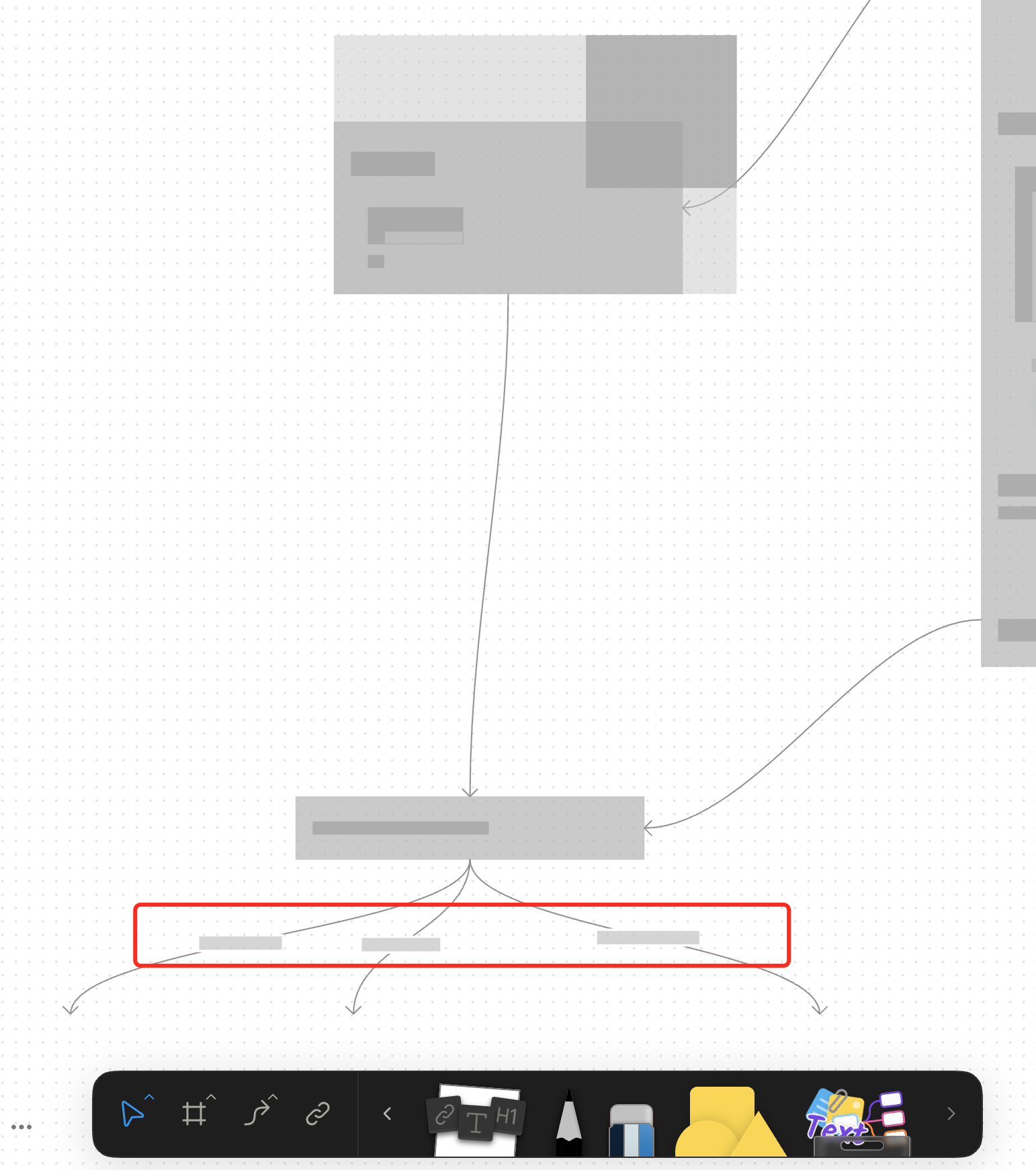 ### What changed? - Implemented placeholder rendering during zooming operations in the canvas renderer, but not only DOM. - Added a `forceFullRender` property to the `GfxCompatibleInterface` to allow elements to opt out of placeholder rendering - Set `forceFullRender = true` for connectors to ensure they always render properly, even during zooming - Connected the turbo renderer to the viewport's zooming state to automatically switch between full and placeholder rendering ### Why make this change? Rendering complex elements during zooming operations can cause performance issues and make the UI feel sluggish. Rendering connector label also leads to high cost DOM `set font` delays. 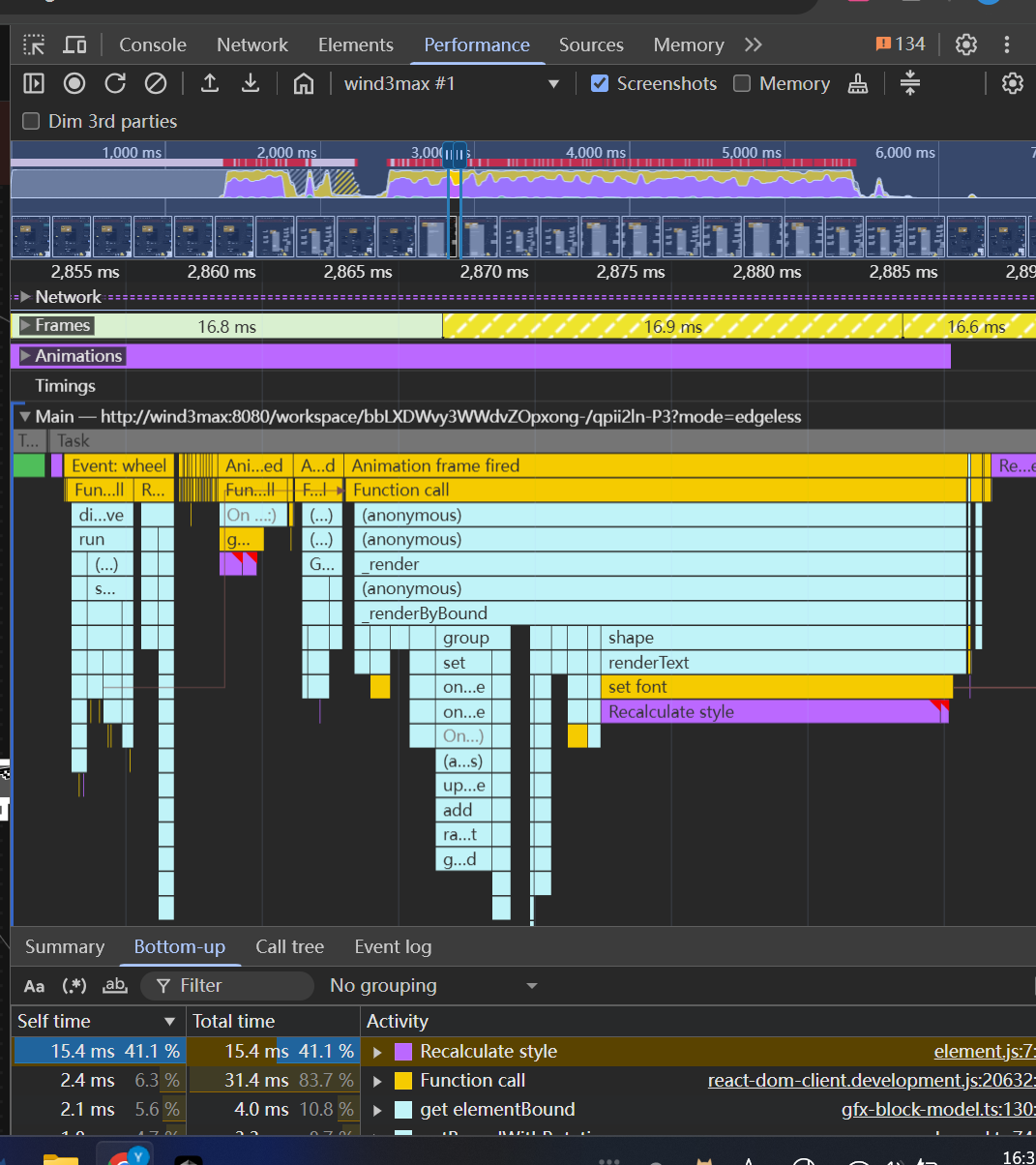 The turbo renderer improves performance by displaying simple placeholders for elements during zooming, while still rendering critical elements like connectors fully. This creates a smoother user experience while maintaining essential visual information. <!-- This is an auto-generated comment: release notes by coderabbit.ai --> ## Summary by CodeRabbit - **New Features** - Introduced a feature-flag-controlled "turbo" rendering mode that displays placeholder graphics during zooming for improved performance. - Added the ability to override placeholder rendering for specific elements, ensuring full rendering when required. - **Bug Fixes** - Enhanced rendering logic to ensure connectors always render fully, even during zoom operations. - **Documentation** - Updated API documentation to reflect new properties related to rendering behavior. - **Tests** - Improved tests to verify correct rendering behavior for connectors. <!-- end of auto-generated comment: release notes by coderabbit.ai -->


3.1 KiB
BlockSuite API Documentation / @blocksuite/std / gfx / GfxGroupCompatibleInterface
Interface: GfxGroupCompatibleInterface
GfxGroupCompatibleElement is a model that can contain other models. It just like a group that in common graphic software.
Extends
Properties
childElements
childElements:
GfxModel[]
All child element models of this container.
Note that the childElements may not contains all the children in childIds,
because some children may not be loaded.
childIds
childIds:
string[]
All child ids of this container.
elementBound
readonlyelementBound:Bound
The bound of the element without considering the response extension.
Inherited from
GfxCompatibleInterface.elementBound
forceFullRender?
optionalforceFullRender:boolean
Whether to disable fallback rendering for this element, e.g., during zooming. Defaults to false (fallback to placeholder rendering is enabled).
Inherited from
GfxCompatibleInterface.forceFullRender
lockedBySelf?
optionallockedBySelf:boolean
Indicates whether the current block is explicitly locked by self.
For checking the lock status of the element, use isLocked instead.
For (un)locking the element, use (un)lock instead.
Inherited from
GfxCompatibleInterface.lockedBySelf
responseBound
readonlyresponseBound:Bound
The bound of the element considering the response extension.
Inherited from
GfxCompatibleInterface.responseBound
responseExtension
responseExtension: [
number,number]
Defines the extension of the response area beyond the element's bounding box. This tuple specifies the horizontal and vertical margins to be added to the element's bound.
The first value represents the horizontal extension (added to both left and right sides), and the second value represents the vertical extension (added to both top and bottom sides).
The response area is computed as:
[x - horizontal, y - vertical, w + 2 * horizontal, h + 2 * vertical].
Example:
- xywh:
[0, 0, 100, 100],responseExtension: [10, 20]Resulting response area:[-10, -20, 120, 140]. responseExtension: [0, 0]keeps the response area equal to the bounding box.
Inherited from
GfxCompatibleInterface.responseExtension
Methods
isLocked()
isLocked():
boolean
Check if the element is locked. It will check the lock status of the element and its ancestors.
Returns
boolean