### TL;DR

Added DOM-based renderer for connector elements in the AFFiNE editor.

### What changed?

- Created a new DOM-based renderer for connector elements that uses SVG
for rendering
- Implemented `ConnectorDomRendererExtension` to register the DOM
renderer for connector elements
- Added support for rendering connector paths, endpoints (arrows,
triangles, circles, diamonds), stroke styles, and labels
- Registered the new DOM renderer extension in the connector view setup
- Added comprehensive tests to verify DOM rendering functionality

### How to test?

1. Enable the DOM renderer flag in the editor
2. Create connector elements between shapes or with fixed positions
3. Verify that connectors render correctly with different styles:
   - Try different stroke styles (solid, dashed)
   - Test various endpoint styles (Arrow, Triangle, Circle, Diamond)
   - Add text labels to connectors
4. Check that connectors update properly when connected elements move
5. Verify that connectors are removed when deleted

### Why make this change?

The DOM-based renderer provides an alternative to the Canvas-based
renderer, offering better accessibility and potentially improved
performance for certain use cases. This implementation allows connectors
to be rendered as SVG elements within the DOM, which can be more easily
inspected, styled with CSS, and interacted with by assistive
technologies.
### TL;DR
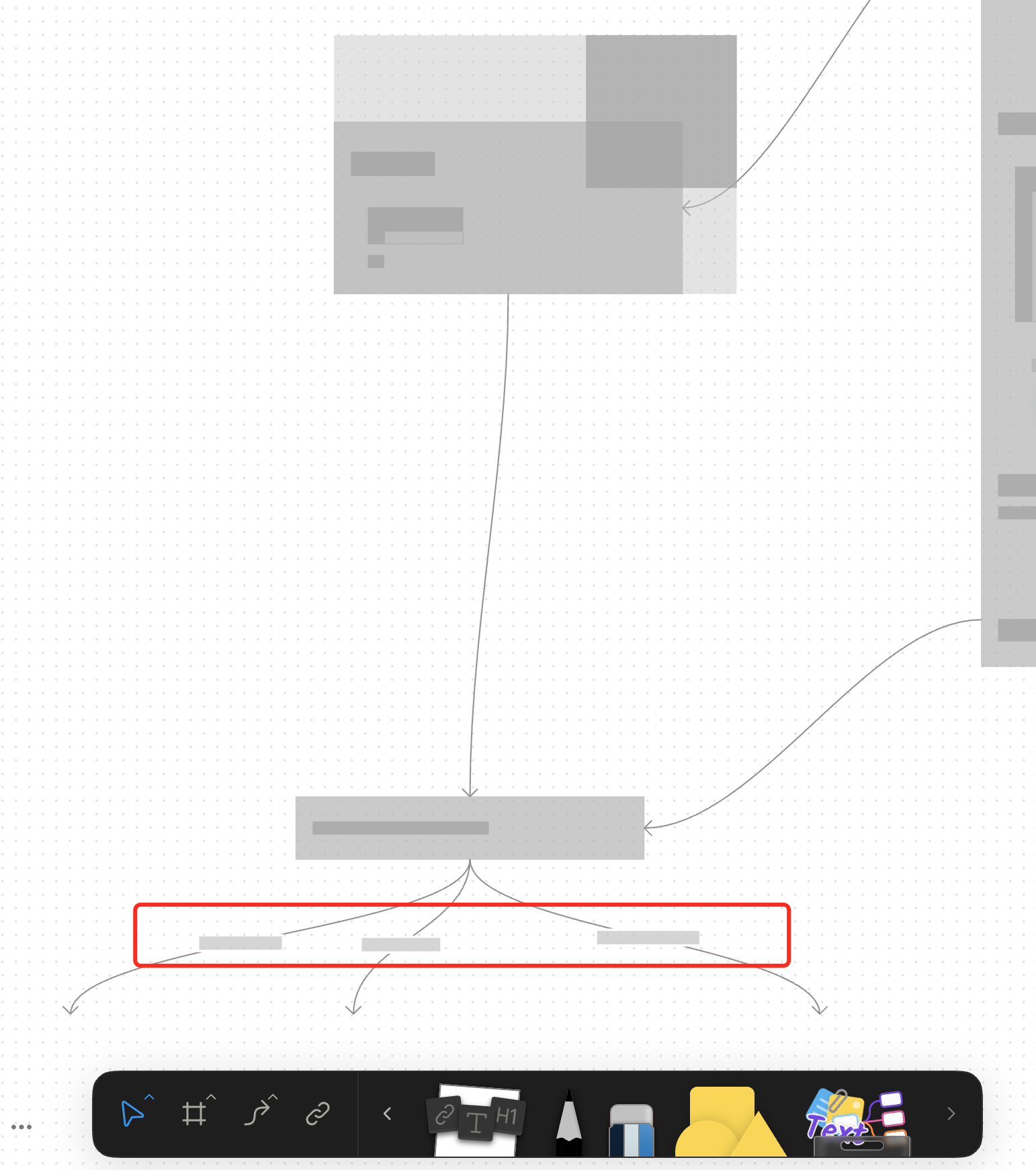
For canvas elements, this PR adds placeholders during zooming operations to improve performance.
### What changed?
- Implemented placeholder rendering during zooming operations in the canvas renderer, but not only DOM.
- Added a `forceFullRender` property to the `GfxCompatibleInterface` to allow elements to opt out of placeholder rendering
- Set `forceFullRender = true` for connectors to ensure they always render properly, even during zooming
- Connected the turbo renderer to the viewport's zooming state to automatically switch between full and placeholder rendering
### Why make this change?
Rendering complex elements during zooming operations can cause performance issues and make the UI feel sluggish. Rendering connector label also leads to high cost DOM `set font` delays.
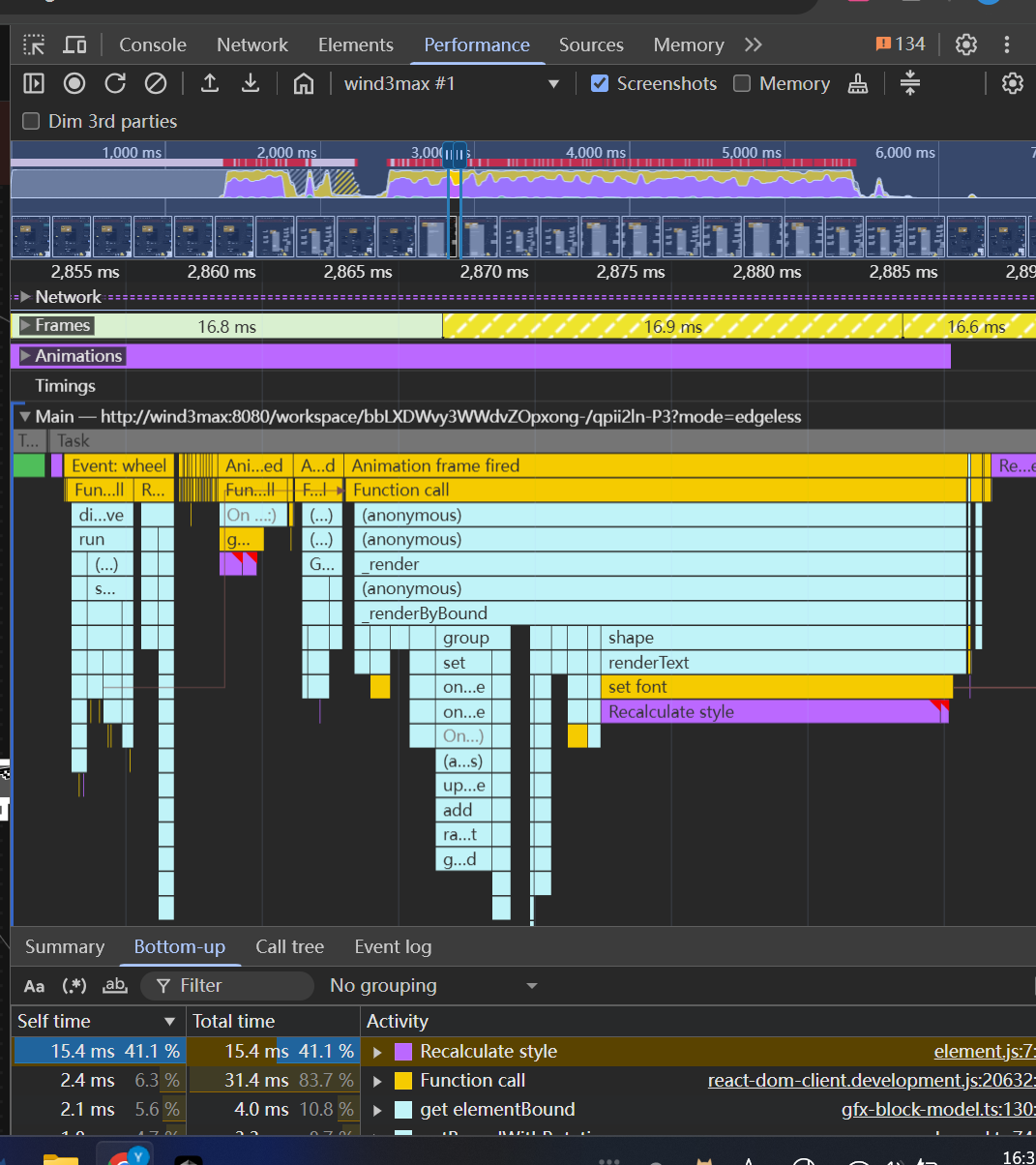
The turbo renderer improves performance by displaying simple placeholders for elements during zooming, while still rendering critical elements like connectors fully. This creates a smoother user experience while maintaining essential visual information.
<!-- This is an auto-generated comment: release notes by coderabbit.ai -->
## Summary by CodeRabbit
- **New Features**
- Introduced a feature-flag-controlled "turbo" rendering mode that displays placeholder graphics during zooming for improved performance.
- Added the ability to override placeholder rendering for specific elements, ensuring full rendering when required.
- **Bug Fixes**
- Enhanced rendering logic to ensure connectors always render fully, even during zoom operations.
- **Documentation**
- Updated API documentation to reflect new properties related to rendering behavior.
- **Tests**
- Improved tests to verify correct rendering behavior for connectors.
<!-- end of auto-generated comment: release notes by coderabbit.ai -->
 Yifeng Wang

