### Problem
●In edgeless mode, the embed-edgeless-doc's content does not match the
size of its outer block when zoom ≠ 1.
●The follwing image and video show the issue at zoom = 0.5.

<img width="610" height="193" alt="图片"
src="https://github.com/user-attachments/assets/c50849c6-d55b-4175-9b70-218f69ab976a"
/>


https://github.com/user-attachments/assets/ea7e7cc4-64ae-4747-8124-16c4eea6458e

### Reason and resolve
●The issue occurs because the surface-block canvas uses the container’s
dimensions obtained from getBoundingClientRect(), which are already
affected by the CSS transform. The canvas is then transformed again
together with the container, causing the size mismatch.
●To keep all drawing operations in the surface-block’s original
coordinate space, we apply a reverse transform to the canvas.

### After


https://github.com/user-attachments/assets/6c802b81-d520-44a0-9f01-78d0d60d37b8


<!-- This is an auto-generated comment: release notes by coderabbit.ai
-->

## Summary by CodeRabbit

* **Bug Fixes**
* Canvas rendering now properly responds to viewport zoom levels. Visual
scaling is applied dynamically to ensure canvases align correctly with
viewport scaling, providing consistent and accurate rendering during
zoomed interactions while preserving original canvas dimensions.

<sub>✏️ Tip: You can customize this high-level summary in your review
settings.</sub>

<!-- end of auto-generated comment: release notes by coderabbit.ai -->
### TL;DR
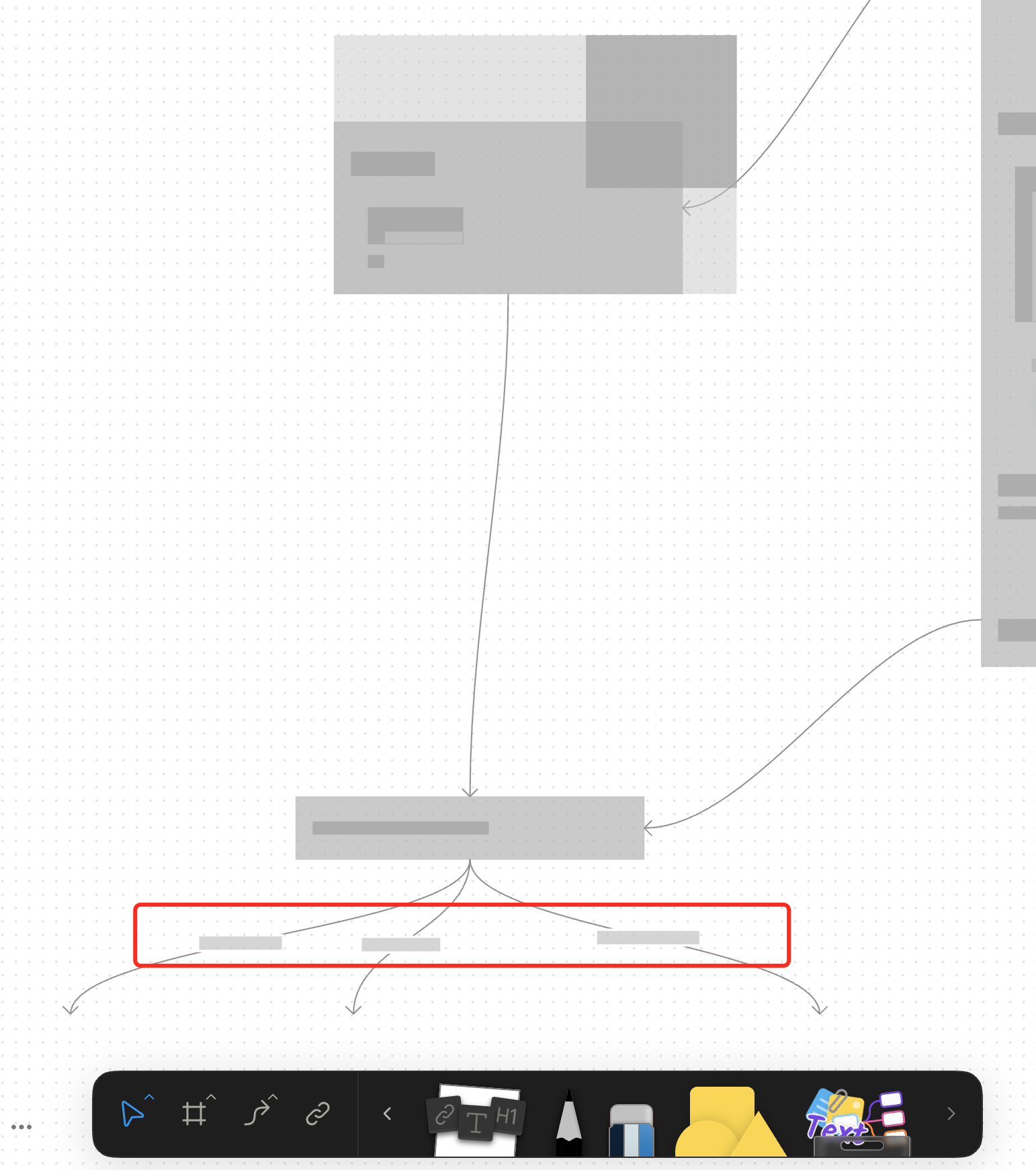
For canvas elements, this PR adds placeholders during zooming operations to improve performance.
### What changed?
- Implemented placeholder rendering during zooming operations in the canvas renderer, but not only DOM.
- Added a `forceFullRender` property to the `GfxCompatibleInterface` to allow elements to opt out of placeholder rendering
- Set `forceFullRender = true` for connectors to ensure they always render properly, even during zooming
- Connected the turbo renderer to the viewport's zooming state to automatically switch between full and placeholder rendering
### Why make this change?
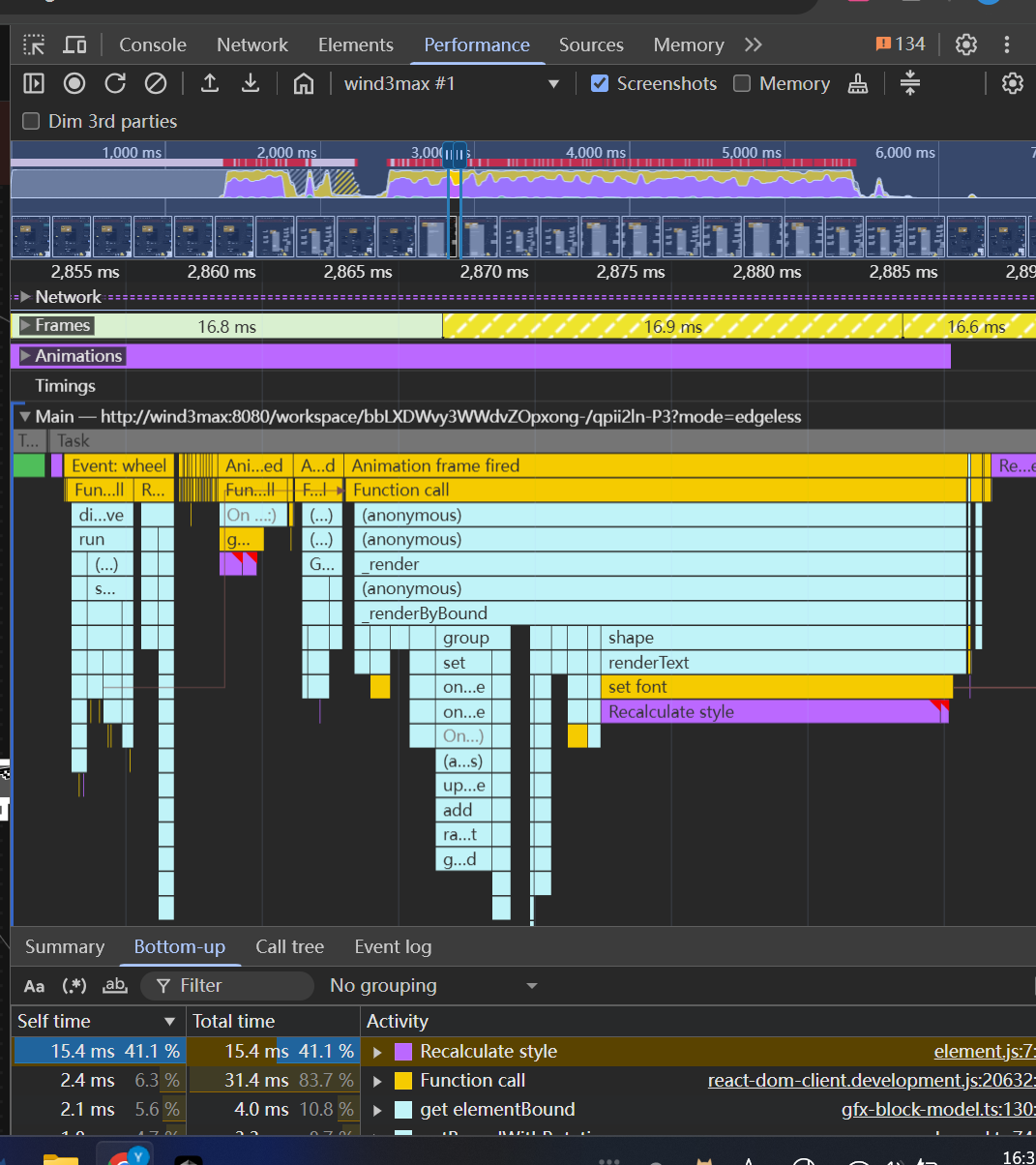
Rendering complex elements during zooming operations can cause performance issues and make the UI feel sluggish. Rendering connector label also leads to high cost DOM `set font` delays.
The turbo renderer improves performance by displaying simple placeholders for elements during zooming, while still rendering critical elements like connectors fully. This creates a smoother user experience while maintaining essential visual information.
<!-- This is an auto-generated comment: release notes by coderabbit.ai -->
## Summary by CodeRabbit
- **New Features**
- Introduced a feature-flag-controlled "turbo" rendering mode that displays placeholder graphics during zooming for improved performance.
- Added the ability to override placeholder rendering for specific elements, ensuring full rendering when required.
- **Bug Fixes**
- Enhanced rendering logic to ensure connectors always render fully, even during zoom operations.
- **Documentation**
- Updated API documentation to reflect new properties related to rendering behavior.
- **Tests**
- Improved tests to verify correct rendering behavior for connectors.
<!-- end of auto-generated comment: release notes by coderabbit.ai -->
 congzhou09

