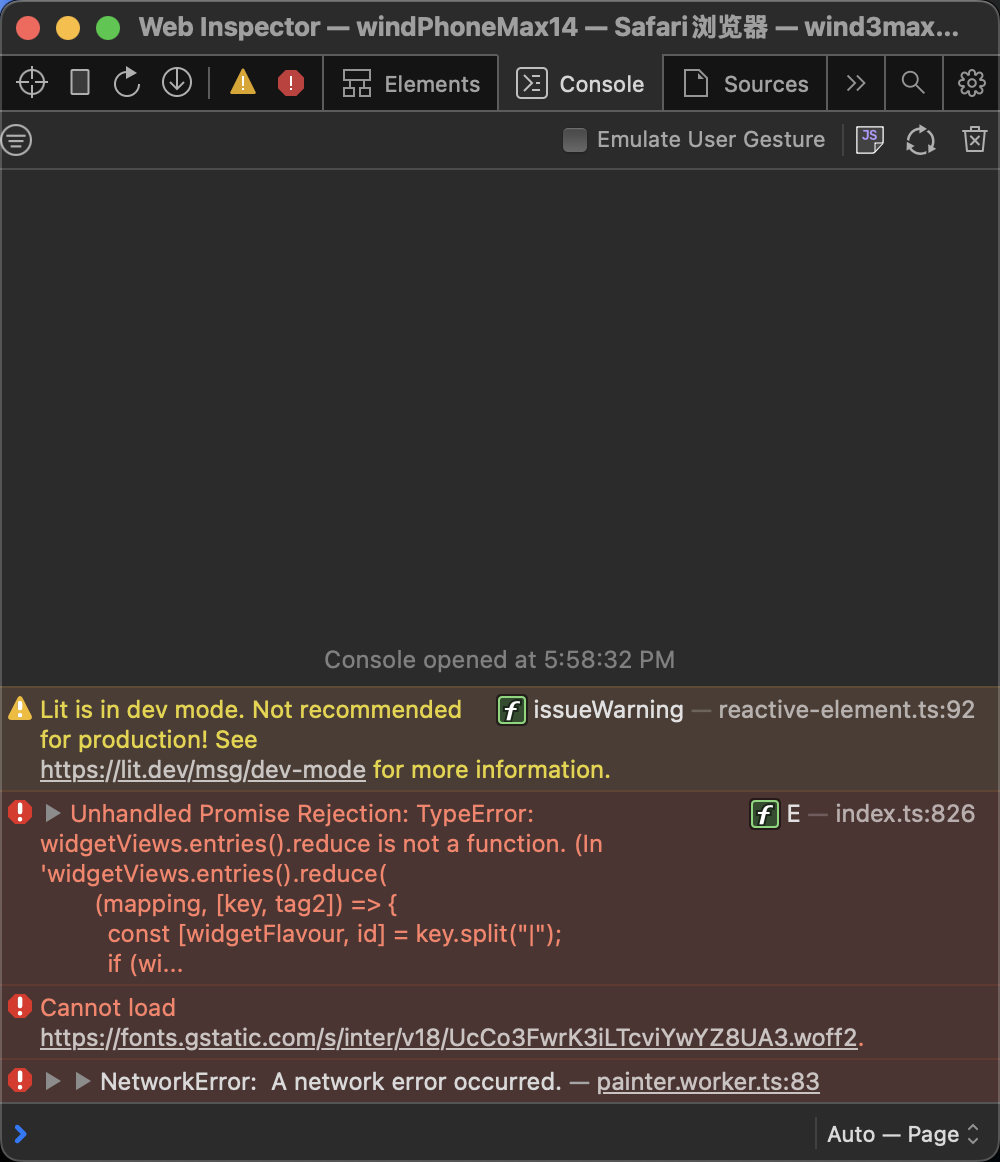
Currently, `GfxViewportElement` hides DOM blocks outside the viewport using `display: none` to optimize performance. However, this approach presents two issues:
1. Even when hidden, all top-level blocks still undergo frequent CSS transform updates during viewport panning and zooming.
2. Hidden blocks cannot access DOM layout information, preventing `TurboRenderer` from updating the complete canvas bitmap.
To address this, this PR introduces a refactoring that divides all top-level edgeless blocks into two states: `idle` and `active`. The improvements are as follows:
1. Blocks outside the viewport are set to the `idle` state, meaning they no longer update their DOM during viewport panning or zooming. Only `active` blocks within the viewport are updated frame by frame.
2. For `idle` blocks, the hiding method switches from `display: none` to `visibility: hidden`, ensuring their layout information remains accessible to `TurboRenderer`.
[Screen Recording 2025-03-07 at 3.23.56 PM.mov <span class="graphite__hidden">(uploaded via Graphite)</span> <img class="graphite__hidden" src="https://app.graphite.dev/api/v1/graphite/video/thumbnail/lEGcysB4lFTEbCwZ8jMv/4bac640b-f5b6-4b0b-904d-5899f96cf375.mov" />](https://app.graphite.dev/media/video/lEGcysB4lFTEbCwZ8jMv/4bac640b-f5b6-4b0b-904d-5899f96cf375.mov)
While this minimizes DOM updates, it introduces a trade-off: `idle` blocks retain an outdated layout state. Since their positions are updated using a lazy update strategy, their layout state remains frozen at the moment they were last moved out of the viewport:
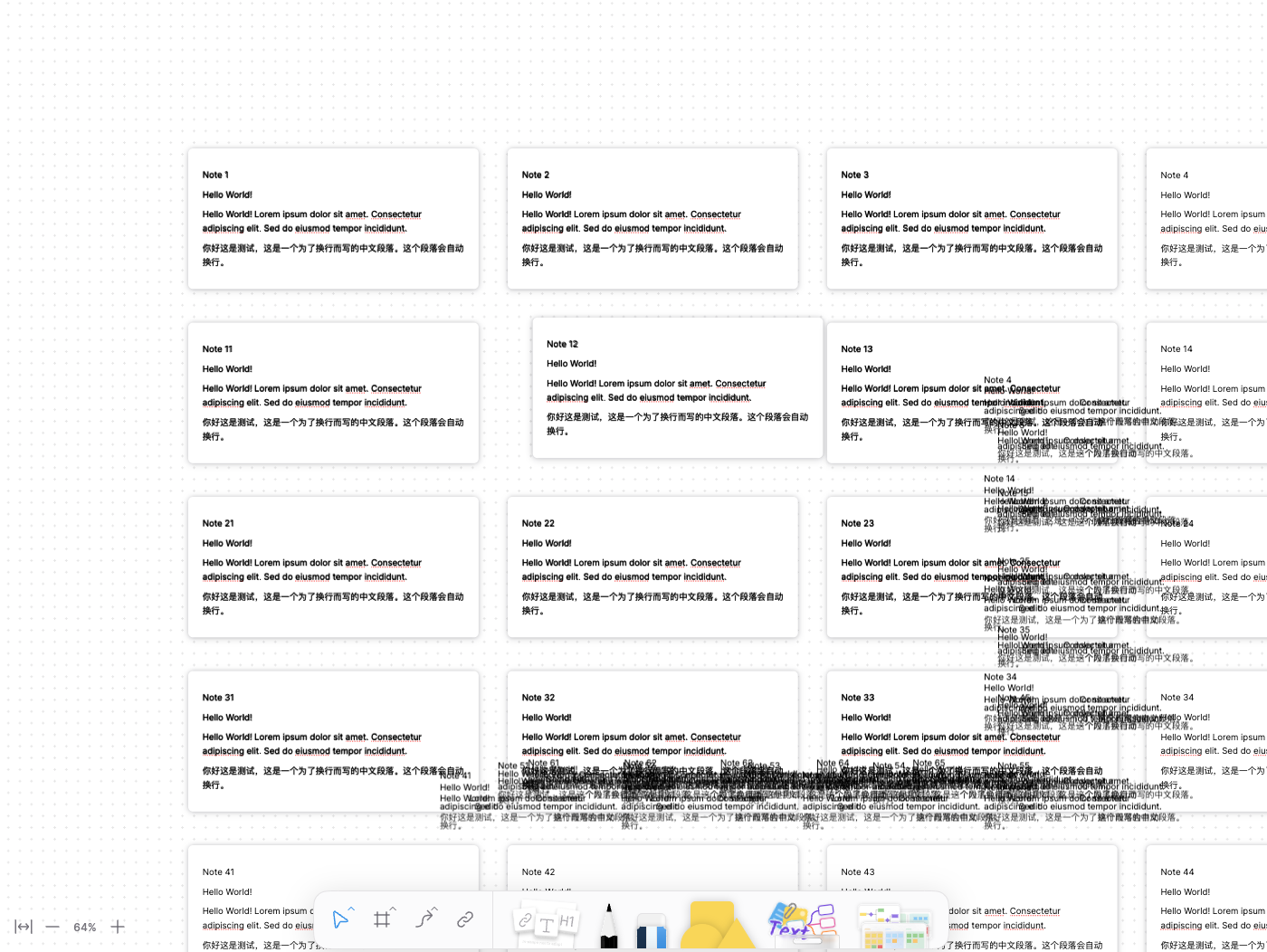
To resolve this, the PR serializes and stores the viewport field of the block at that moment on the `idle` block itself. This allows the correct layout, positioned in the model coordinate system, to be restored from the stored data.
### Changed

- Refactored BlockSuite drag-and-drop using @atlaskit/pragmatic-drag-and-drop/element/adapter.
- Updated block dragging to use the new drag-and-drop infrastructure.

### BlockSuite DND API

Access the BlockSuite drag-and-drop API via `std.dnd`. This is a lightweight wrapper around pragmatic-drag-and-drop, offering convenient generic types and more intuitive option names.

#### Drag payload structure
There's some constrain about drag payload. The whole drag payload looks like this:

```typescript
type DragPayload = {
  entity: {
    type: string
  },
  from: {
    at: 'blocksuite',
    docId: string
  }
}
```
- The `from` field is auto-generated—no need for manual handling.
- The `entity` field is customizable, but it must include a `type`.

All drag-and-drop methods accept a generic type for entity, ensuring more accurate payloads in event handlers.

```typescript
type BlockEntity = {
  type: 'blocks',
  blockIds: string[]
}

dnd.draggable<BlockEntity>({
  element: someElement,
  setDragData: () => {
    // the return type must satisfy the generic type
    // in this case, it's BlockEntity
    return {
      type: 'blocks',
      blockIds: []
    }
  }
});

dnd.monitor<BlockEntity>({
  // the arguments is same for other event handler
  onDrag({ source }) {
    // the type of this is BlockEntity
    source.data.entity
  }
})
```

#### Drop payload
When hover on droppable target. You can set drop payload as well. All drag-and-drop methods accept a second generic type for drop payload.

The drop payload is customizable. Additionally, the DND system will add an `edge` field to the final payload object, indicating the nearest edge of the drop target relative to the current drag position.

```typescript
type DropPayload = {
  blockId: string;
}

dnd.dropTarget<BlockEntity, DropPayload>({
  getData() {
    // the type should be DropPayload
    return {
      blockId: 'someId'
    }
  }
});

dnd.monitor<BlockEntity, DropPayload>({
  // drag over on drop target
  onDrag({ location }) {
    const target = location.current.dropTargets[0];

    // the type is DropPayload
    target.data;
    // retrieve the nearest edge of the drop target relative to the current drop position.
    target.data.edge;
  }
})
```
 Mirone