### TL;DR
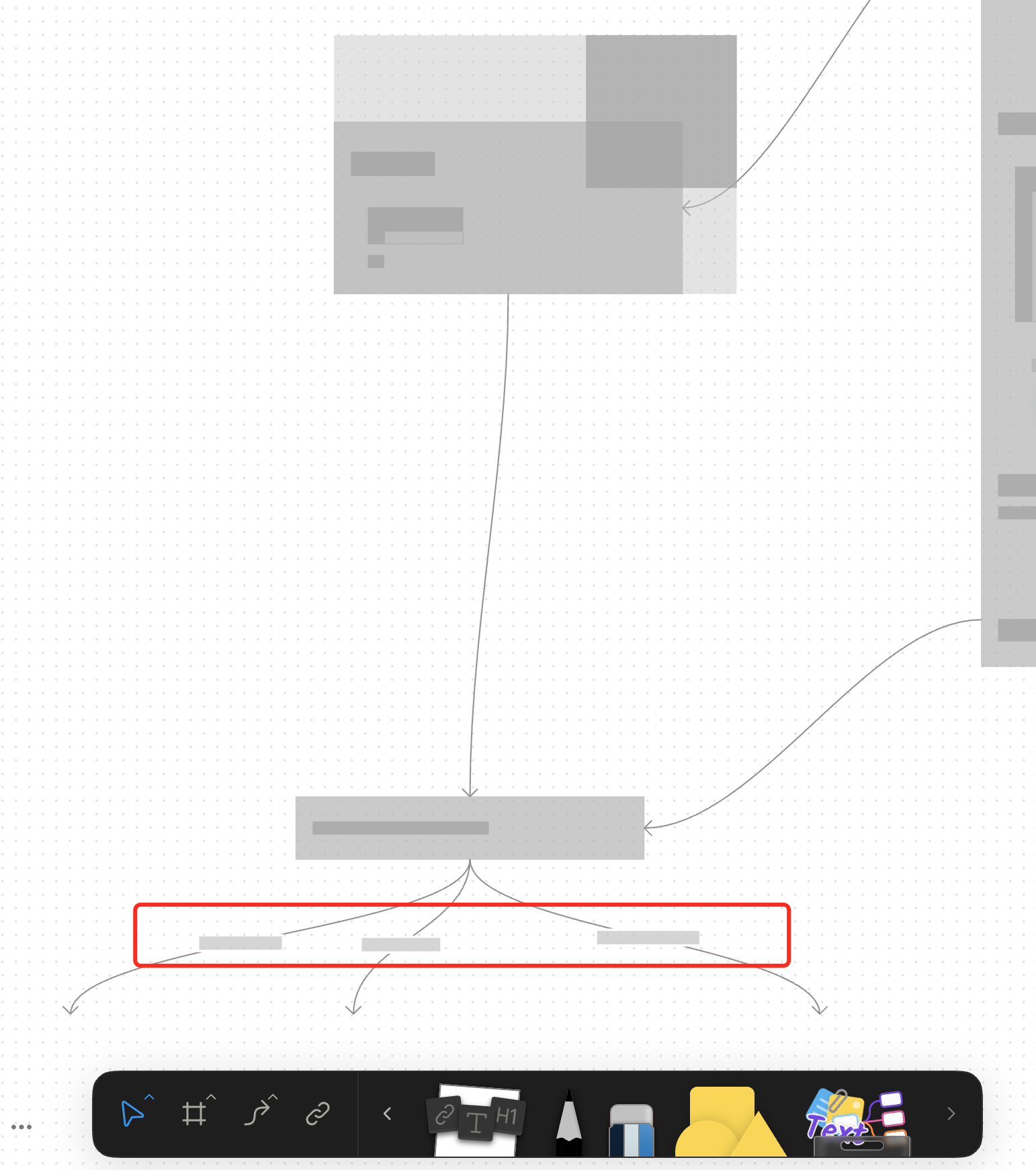
For canvas elements, this PR adds placeholders during zooming operations to improve performance.
### What changed?
- Implemented placeholder rendering during zooming operations in the canvas renderer, but not only DOM.
- Added a `forceFullRender` property to the `GfxCompatibleInterface` to allow elements to opt out of placeholder rendering
- Set `forceFullRender = true` for connectors to ensure they always render properly, even during zooming
- Connected the turbo renderer to the viewport's zooming state to automatically switch between full and placeholder rendering
### Why make this change?
Rendering complex elements during zooming operations can cause performance issues and make the UI feel sluggish. Rendering connector label also leads to high cost DOM `set font` delays.
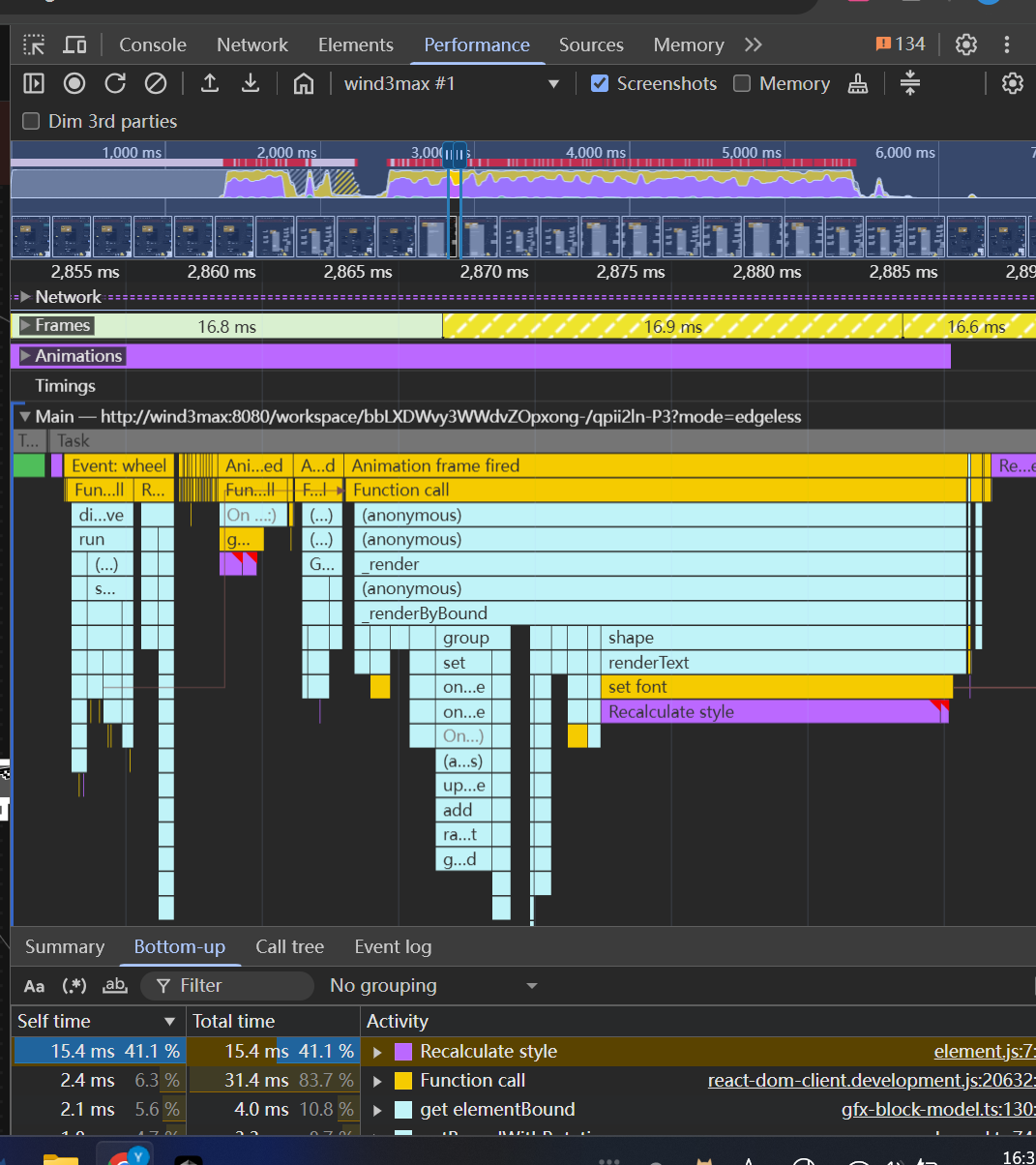
The turbo renderer improves performance by displaying simple placeholders for elements during zooming, while still rendering critical elements like connectors fully. This creates a smoother user experience while maintaining essential visual information.
<!-- This is an auto-generated comment: release notes by coderabbit.ai -->
## Summary by CodeRabbit
- **New Features**
- Introduced a feature-flag-controlled "turbo" rendering mode that displays placeholder graphics during zooming for improved performance.
- Added the ability to override placeholder rendering for specific elements, ensuring full rendering when required.
- **Bug Fixes**
- Enhanced rendering logic to ensure connectors always render fully, even during zoom operations.
- **Documentation**
- Updated API documentation to reflect new properties related to rendering behavior.
- **Tests**
- Improved tests to verify correct rendering behavior for connectors.
<!-- end of auto-generated comment: release notes by coderabbit.ai -->
<!-- This is an auto-generated comment: release notes by coderabbit.ai -->
## Summary by CodeRabbit

- **New Features**
  - Introduced a new pointer graphics module with tools and quick tool integration for edgeless surfaces.
  - Added a quick tool button for pointer interactions in edgeless mode.
  - Exposed new extension points for pointer graphics and effects.

- **Improvements**
  - Integrated pointer graphics as a dependency into related packages.
  - Enhanced toolbar context to support additional surface alignment modes.
  - Added conditional clipboard configuration registrations for edgeless contexts across multiple block types.

- **Removals**
  - Removed legacy tool and effect definitions and related quick tool exports from edgeless components.
  - Streamlined extension arrays and removed unused exports for a cleaner codebase.
  - Deleted obsolete utility functions and component registrations.

- **Chores**
  - Updated workspace and TypeScript project references to include the new pointer graphics module.
<!-- end of auto-generated comment: release notes by coderabbit.ai -->
Closes: BS-3208

<!-- This is an auto-generated comment: release notes by coderabbit.ai -->

## Summary by CodeRabbit

- **New Features**
  - Introduced a new group view extension, enhancing how group elements are handled and displayed.
  - Added new store and view modules for group-related features, improving modularity and integration.

- **Refactor**
  - Updated the group element architecture to use extension-based registration for views, toolbars, and effects.
  - Simplified and reorganized exports for group and text modules.

- **Chores**
  - Updated dependencies and project references to improve build consistency and compatibility.

<!-- end of auto-generated comment: release notes by coderabbit.ai -->
Close [BS-3029](https://linear.app/affine-design/issue/BS-3029/frame-里面的-shape-没办法进入文本编辑模式)
Close [BS-3082](https://linear.app/affine-design/issue/BS-3082/按s切换至shape工具,在白板上点击会创建两个shape)
Close [BS-3091](https://linear.app/affine-design/issue/BS-3082/按s切换至shape工具,在白板上点击会创建两个shape)

## Fix Shape Tool Issues

This PR addresses several issues with the shape and mindmap tools functionality in the editor:

1. **Fix text editing after mode switching**: Resolves an issue where users couldn't edit text in shapes after switching editor modes. The fix ensures the edgeless block is properly retrieved when double-clicking on a shape.

2. **Improve tool switching behavior**: Fixes issues with tool overlays not showing or being repeated when switching between tools. This includes:
   - Properly handling tool overlay visibility
   - Ensuring only one tool is active at a time when using keyboard shortcuts
   - Adding proper cleanup when switching tools

3. **Add comprehensive tests**: Adds new test cases to verify:
   - Shape creation with keyboard shortcuts
   - Shape text editing after mode switching
   - Tool switching behavior with keyboard shortcuts
 doodlewind

