<!-- This is an auto-generated comment: release notes by coderabbit.ai -->

## Summary by CodeRabbit

- **Refactor**
  - Improved history and undo/redo management across the app by introducing a dedicated history extension. Undo/redo operations now use a more focused undo manager, resulting in clearer and more consistent behavior.
- **Documentation**
  - Updated API documentation to reflect changes in history management, including revised method signatures and removal of outdated event references.

<!-- end of auto-generated comment: release notes by coderabbit.ai -->
<!-- This is an auto-generated comment: release notes by coderabbit.ai -->
## Summary by CodeRabbit

- **New Features**
  - Undo/redo history management is now centralized in the workspace, providing more consistent and robust undo/redo behavior.
  - History update events are emitted at the workspace level, enabling better tracking of changes.

- **Bug Fixes**
  - Improved reliability of undo/redo actions by shifting history management from documents to the workspace.

- **Documentation**
  - Updated and clarified documentation for history-related APIs, including improved examples and clearer descriptions.
<!-- end of auto-generated comment: release notes by coderabbit.ai -->
### TL;DR
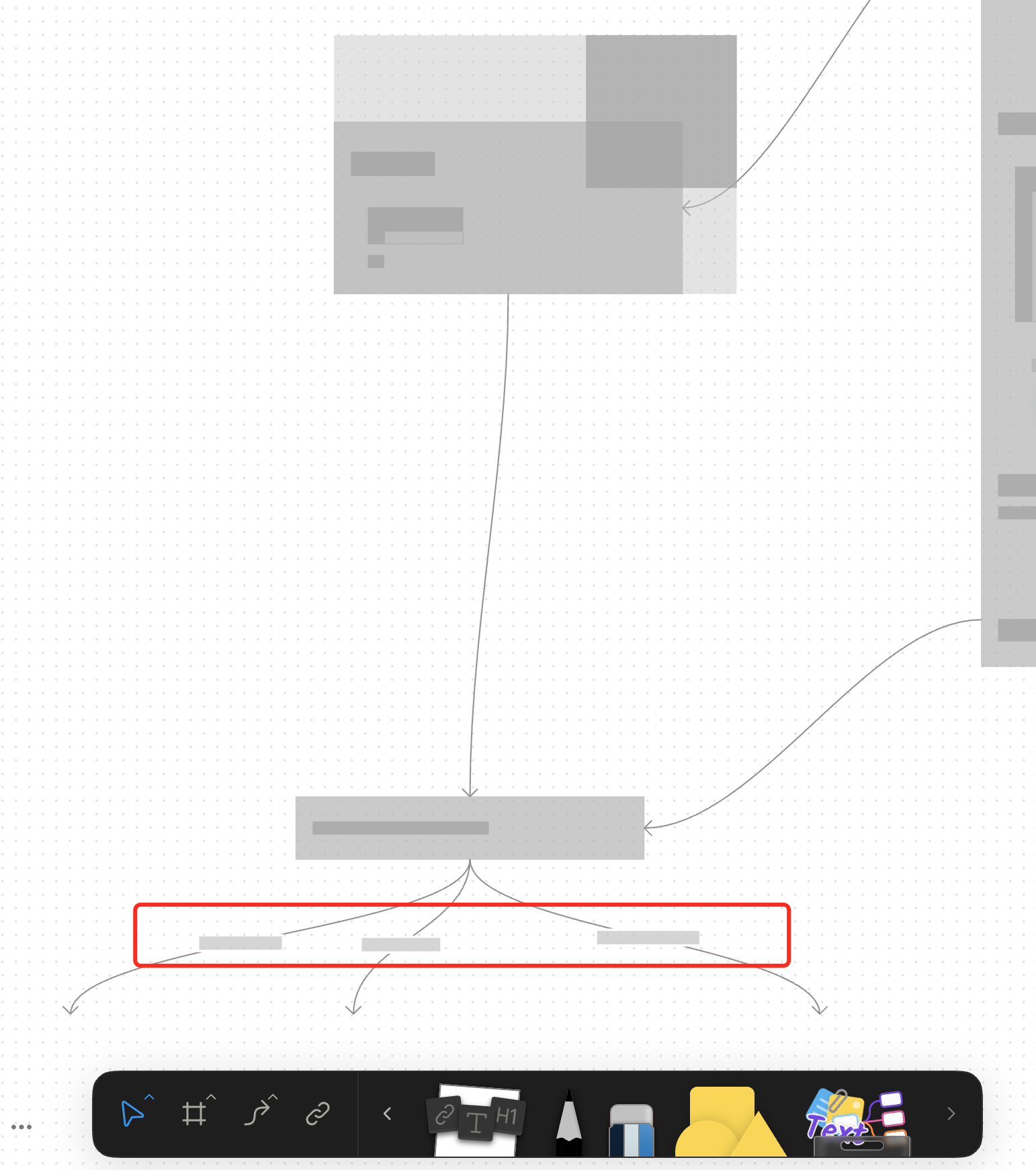
For canvas elements, this PR adds placeholders during zooming operations to improve performance.
### What changed?
- Implemented placeholder rendering during zooming operations in the canvas renderer, but not only DOM.
- Added a `forceFullRender` property to the `GfxCompatibleInterface` to allow elements to opt out of placeholder rendering
- Set `forceFullRender = true` for connectors to ensure they always render properly, even during zooming
- Connected the turbo renderer to the viewport's zooming state to automatically switch between full and placeholder rendering
### Why make this change?
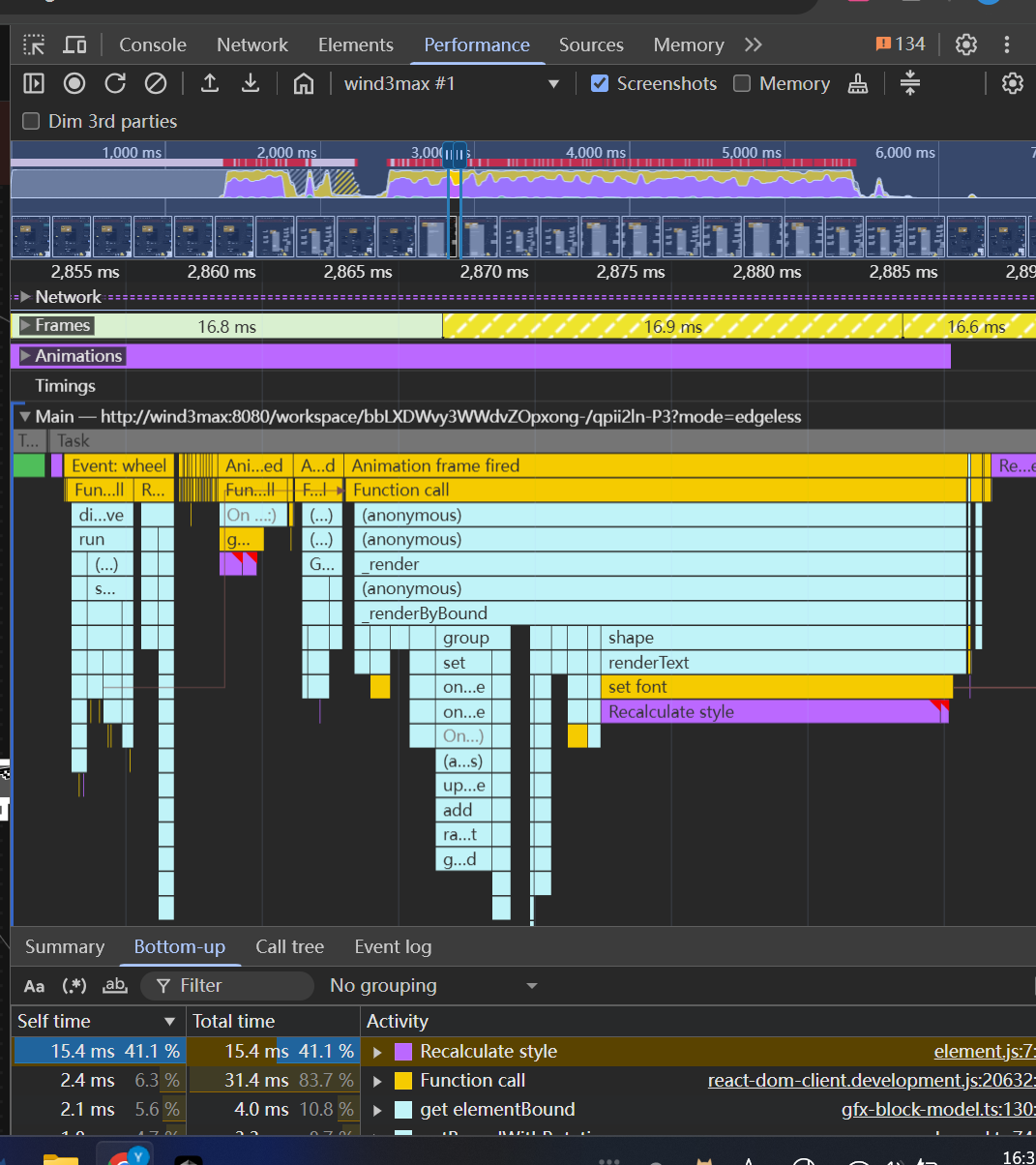
Rendering complex elements during zooming operations can cause performance issues and make the UI feel sluggish. Rendering connector label also leads to high cost DOM `set font` delays.
The turbo renderer improves performance by displaying simple placeholders for elements during zooming, while still rendering critical elements like connectors fully. This creates a smoother user experience while maintaining essential visual information.
<!-- This is an auto-generated comment: release notes by coderabbit.ai -->
## Summary by CodeRabbit
- **New Features**
- Introduced a feature-flag-controlled "turbo" rendering mode that displays placeholder graphics during zooming for improved performance.
- Added the ability to override placeholder rendering for specific elements, ensuring full rendering when required.
- **Bug Fixes**
- Enhanced rendering logic to ensure connectors always render fully, even during zoom operations.
- **Documentation**
- Updated API documentation to reflect new properties related to rendering behavior.
- **Tests**
- Improved tests to verify correct rendering behavior for connectors.
<!-- end of auto-generated comment: release notes by coderabbit.ai -->
Closes: [BS-3303](https://linear.app/affine-design/issue/BS-3303/改進-pack-attachment-props-流程)

<!-- This is an auto-generated comment: release notes by coderabbit.ai -->
## Summary by CodeRabbit

- **New Features**
  - Enhanced attachment and image uploads with improved file size validation and clearer notifications.
  - Upload telemetry tracking added for attachments to monitor upload success or failure.

- **Refactor**
  - Streamlined and unified the process of adding attachments and images, making uploads more reliable and efficient.
  - Parameter names updated for clarity across attachment and image insertion features.

- **Documentation**
  - Updated API documentation to reflect parameter name changes for consistency.
<!-- end of auto-generated comment: release notes by coderabbit.ai -->
continue #10824

### Changed
- Moved double-click-to-edit behavior from the default tool to individual model views
- Introduced `onSelected` callback interface in gfx view components to allows developers to override default selection logic
 Saul-Mirone
