Continue #12778

<!-- This is an auto-generated comment: release notes by coderabbit.ai
-->

## Summary by CodeRabbit

- **Chores**
- Removed internal string utility functions related to markdown prefix
and horizontal rule detection. No impact on user-facing features.

<!-- end of auto-generated comment: release notes by coderabbit.ai -->
Closes: [BS-3586](https://linear.app/affine-design/issue/BS-3586/复制白板图片,然后粘贴到-page,图片失败)

<!-- This is an auto-generated comment: release notes by coderabbit.ai -->
## Summary by CodeRabbit

- **New Features**
  - Copying a single selected image in edgeless mode now places the image directly onto the system clipboard as a native image blob for smoother pasting.

- **Bug Fixes**
  - Enhanced clipboard handling to better manage image and text data inclusion, with improved fallback for snapshot HTML.

- **Tests**
  - Added an end-to-end test verifying image copy-paste functionality between edgeless and page editor modes.
<!-- end of auto-generated comment: release notes by coderabbit.ai -->
Closes: [BS-3578](https://linear.app/affine-design/issue/BS-3578/复制本的-url-无法识别)

<!-- This is an auto-generated comment: release notes by coderabbit.ai -->
## Summary by CodeRabbit

- **New Features**
  - Improved URL validation to recognize and allow IPv4 addresses when the origin matches the provided base URL.

- **Tests**
  - Added a test to ensure URLs with IP addresses (e.g., http://127.0.0.1) are considered valid when the origin matches.
<!-- end of auto-generated comment: release notes by coderabbit.ai -->
<!-- This is an auto-generated comment: release notes by coderabbit.ai -->
## Summary by CodeRabbit

- **New Features**
	- Improved file selection dialogs for attachments, imports, and uploads, allowing for more consistent and streamlined file picking across the app.

- **Bug Fixes**
	- Resolved inconsistencies when selecting single or multiple files, ensuring a smoother user experience during file import and upload.

- **Refactor**
	- Unified and simplified file selection logic throughout the app for better reliability and maintainability.
	- Standardized import functions to uniformly handle arrays of files, enhancing consistency in file processing.
<!-- end of auto-generated comment: release notes by coderabbit.ai -->
<!-- This is an auto-generated comment: release notes by coderabbit.ai -->
## Summary by CodeRabbit

- **New Features**
  - Introduced modular UI logic layers for Kanban and Table views, enhancing maintainability and scalability.
  - Added new CSS-in-JS style modules for database blocks and table views, improving visual consistency.
  - Expanded telemetry event tracking for database views, properties, filters, and groups.
  - Added utility functions for lazy initialization and cached computed values.

- **Refactor**
  - Unified logic and state management across Kanban and Table views by replacing direct component dependencies with logic-centric architecture.
  - Updated components and widgets to use the new logic-based approach for state, selection, and event handling.
  - Replaced inline styles with CSS classes; updated class names to align with new component structure.
  - Centralized state access through UI logic instances, eliminating direct DOM queries and simplifying dependencies.
  - Consolidated Kanban and Table view presets effects for streamlined initialization.
  - Replaced Lit reactive state with Preact signals in multiple components for improved reactivity.
  - Split monolithic components into separate logic and UI classes for clearer separation of concerns.
  - Removed obsolete components and consolidated exports for cleaner API surface.

- **Bug Fixes**
  - Enhanced selection and interaction reliability in database cells and views.
  - Fixed scrolling issues on mobile table views for improved compatibility.

- **Chores**
  - Updated end-to-end test selectors to reflect new component names and structure.
  - Removed deprecated utilities and cleaned up unused imports.

- **Documentation**
  - Improved type definitions and public API exports for better developer experience.
<!-- end of auto-generated comment: release notes by coderabbit.ai -->
Closes: [BS-3291](https://linear.app/affine-design/issue/BS-3291/工具栏展开时报错,链接无法点击打开)

<!-- This is an auto-generated comment: release notes by coderabbit.ai -->
## Summary by CodeRabbit

- **New Features**
  - URLs entered without a protocol (e.g., "github.com/...") are now automatically normalized to use "https://", ensuring links are secure and consistently formatted.

- **Bug Fixes**
  - Improved handling and validation of links to prevent issues with missing or invalid protocols in bookmarks and inline links.
  - Simplified URL validation logic by leveraging native URL parsing, removing complex regex and email-specific checks.
  - Streamlined toolbar link actions to operate only on valid normalized URLs.
  - Refined URL detection in markdown preprocessing to exclude lines containing spaces from being treated as URLs.

- **Tests**
  - Added tests to verify that links without a protocol are correctly normalized and displayed across different views.
  - Updated URL validation tests to better reflect valid and invalid URL formats, including IP addresses and domain variants.

- **Style**
  - Updated snapshots to reflect the use of "https://" in links.
<!-- end of auto-generated comment: release notes by coderabbit.ai -->
<!-- This is an auto-generated comment: release notes by coderabbit.ai -->
## Summary by CodeRabbit

- **New Features**
  - Undo/redo history management is now centralized in the workspace, providing more consistent and robust undo/redo behavior.
  - History update events are emitted at the workspace level, enabling better tracking of changes.

- **Bug Fixes**
  - Improved reliability of undo/redo actions by shifting history management from documents to the workspace.

- **Documentation**
  - Updated and clarified documentation for history-related APIs, including improved examples and clearer descriptions.
<!-- end of auto-generated comment: release notes by coderabbit.ai -->
Closes: [BS-2909](https://linear.app/affine-design/issue/BS-2909/新增highlighter)

### What's Changed!

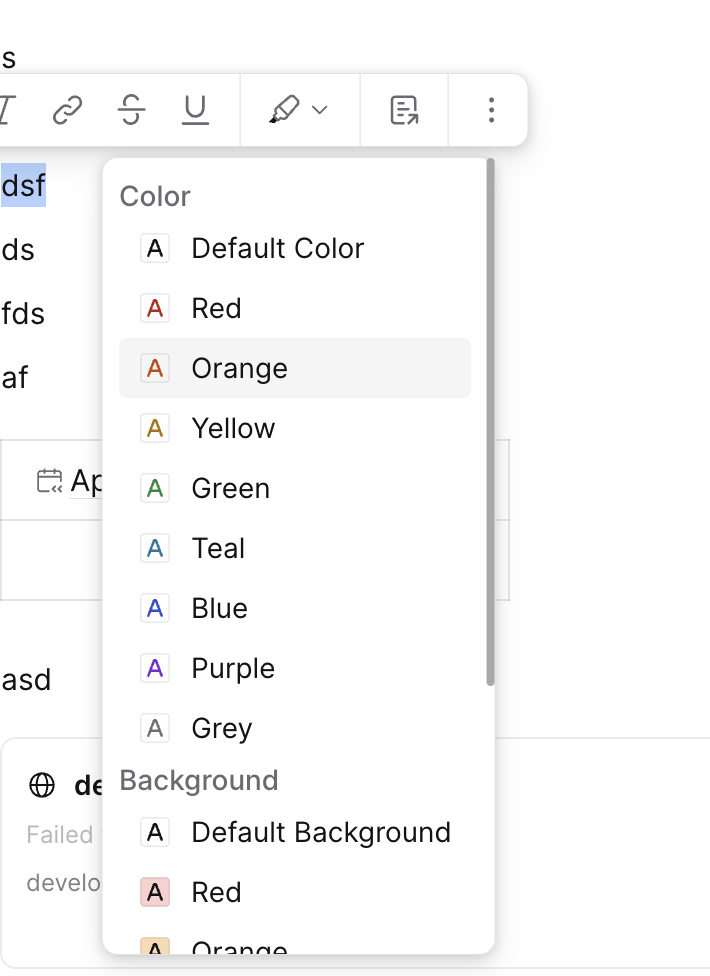
Currently the highlighter tool is very similar to brush, but for the future, it's a standalone module.

* Added `Highlighter` element model
* Added `Highlighter` tool
* Added `Highlighter` entry to the global toolbar
### TL;DR
Added new commands to retrieve the first and last content blocks in a document.

### What changed?
- Created `getFirstContentBlockCommand` to find the first content block in a document
- Created `getLastContentBlockCommand` to find the last content block in a document
- Added `getFirstNoteBlock` utility function to find the first note block in a document
Let me analyze this diff and provide a clear description of the changes.

This PR introduces several significant changes focused on AI integration and code organization in the AFFiNE codebase:

1. **Enhanced SpecBuilder Functionality** (`blocksuite/affine/shared/src/utils/spec/spec-builder.ts`):
   - Added method chaining by returning `this` from `extend`, `omit`, and `replace` methods
   - Added new utility methods:
     - `hasAll(target: ExtensionType[])`: Checks if all specified extensions exist
     - `hasOneOf(target: ExtensionType[])`: Checks if at least one specified extension exists

2. **AI Extensions Modularization**:
   - Split the large AI-related code into separate modular files under `packages/frontend/core/src/blocksuite/ai/extensions/`:
     - `ai-code.ts`: Code block AI integration
     - `ai-edgeless-root.ts`: Edgeless mode AI features
     - `ai-image.ts`: Image block AI capabilities
     - `ai-page-root.ts`: Page root AI integration
     - `ai-paragraph.ts`: Paragraph block AI features
     - `enable-ai.ts`: Central AI extension enablement logic

3. **Widget Improvements**:
   - Enhanced `AffineAIPanelWidget` and `EdgelessCopilotWidget` with proper widget extensions
   - Moved widget-specific extensions into their respective files
   - Added proper type definitions and component registrations

4. **Code Organization**:
   - Simplified exports in `index.ts`
   - Better separation of concerns between different AI-related components
   - More modular approach to AI feature integration

5. **AI Integration Architecture**:
   - Introduced a new `enableAIExtension` function that handles:
     - Replacing standard blocks with AI-enhanced versions
     - Conditional enabling of AI features based on the current spec configuration
     - Extension of AI chat capabilities

The changes primarily focus on improving code organization, maintainability, and the architecture of AI feature integration in the AFFiNE editor. The modularization will make it easier to maintain and extend AI capabilities across different block types and editor modes.
### TL;DR
Refactored `SpecProvider` singleton access pattern and reorganized adapter/extension code structure.

### What changed?
- Changed `SpecProvider.getInstance()` to `SpecProvider._` for cleaner singleton access
- Moved adapter/extension code from `_common` directory to dedicated `adapters` and `extensions` folders
- Consolidated adapter extensions into a single file
- Removed unused dependencies from package.json
- Deleted unnecessary schema files
- Extracted `MobileSpecsPatches` class into the mobile patching code
- Updated all references to use the new `SpecProvider._` accessor

### How to test?
- Verify all specs are properly registered and accessible via `SpecProvider._`
- Test adapter functionality for HTML, Markdown, Notion HTML and plain text
- Check mobile-specific features and patches work correctly
- Ensure preview functionality works in both page and edgeless modes

### Why make this change?
- Improves code organization by properly separating adapters and extensions
- Simplifies singleton access pattern
- Removes unnecessary dependencies and files
- Makes the codebase more maintainable by consolidating related functionality
### TL;DR
Moved image proxy middleware and adapter extensions to their respective packages and introduced a new spec provider for adapter registration.

### What changed?
- Relocated `defaultImageProxyMiddleware` from blocks to `@blocksuite/affine-block-image`
- Moved `PresentTool` from fragment-frame-panel to block-frame
- Created new adapter extension specs for HTML, Markdown, and Notion HTML
- Introduced a spec provider pattern for adapter registration
- Removed direct transformer references from RootService
- Updated imports across affected files to use new locations

### How to test?
1. Verify image proxy functionality works in exports and imports
2. Test HTML, Markdown, and Notion HTML adapters still function correctly
3. Confirm presentation mode works with the relocated PresentTool
4. Check that all file import/export operations continue to work as expected

### Why make this change?
This reorganization improves code modularity by placing features in their logical packages and introduces a more maintainable pattern for adapter registration. The spec provider pattern makes it easier to manage and extend adapter functionality while reducing coupling between components.
 Fangdun Tsai