Currently, `GfxViewportElement` hides DOM blocks outside the viewport using `display: none` to optimize performance. However, this approach presents two issues:
1. Even when hidden, all top-level blocks still undergo frequent CSS transform updates during viewport panning and zooming.
2. Hidden blocks cannot access DOM layout information, preventing `TurboRenderer` from updating the complete canvas bitmap.
To address this, this PR introduces a refactoring that divides all top-level edgeless blocks into two states: `idle` and `active`. The improvements are as follows:
1. Blocks outside the viewport are set to the `idle` state, meaning they no longer update their DOM during viewport panning or zooming. Only `active` blocks within the viewport are updated frame by frame.
2. For `idle` blocks, the hiding method switches from `display: none` to `visibility: hidden`, ensuring their layout information remains accessible to `TurboRenderer`.
[Screen Recording 2025-03-07 at 3.23.56 PM.mov <span class="graphite__hidden">(uploaded via Graphite)</span> <img class="graphite__hidden" src="https://app.graphite.dev/api/v1/graphite/video/thumbnail/lEGcysB4lFTEbCwZ8jMv/4bac640b-f5b6-4b0b-904d-5899f96cf375.mov" />](https://app.graphite.dev/media/video/lEGcysB4lFTEbCwZ8jMv/4bac640b-f5b6-4b0b-904d-5899f96cf375.mov)
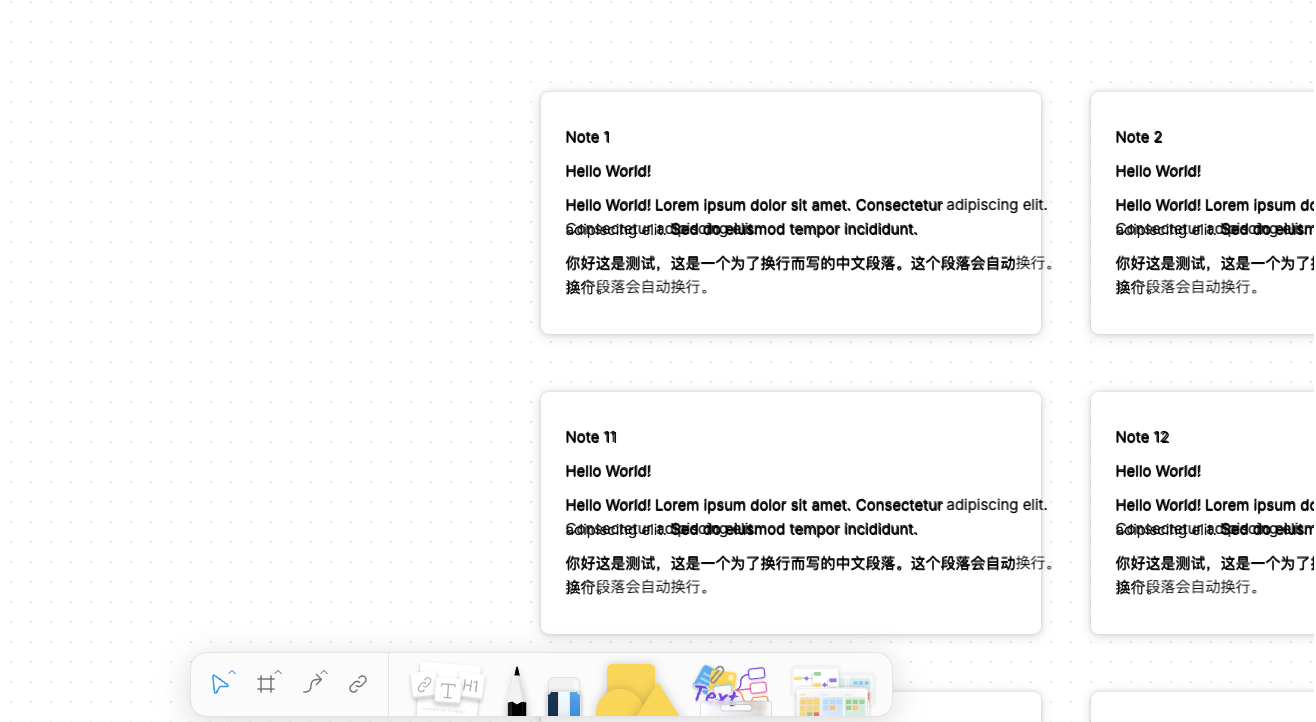
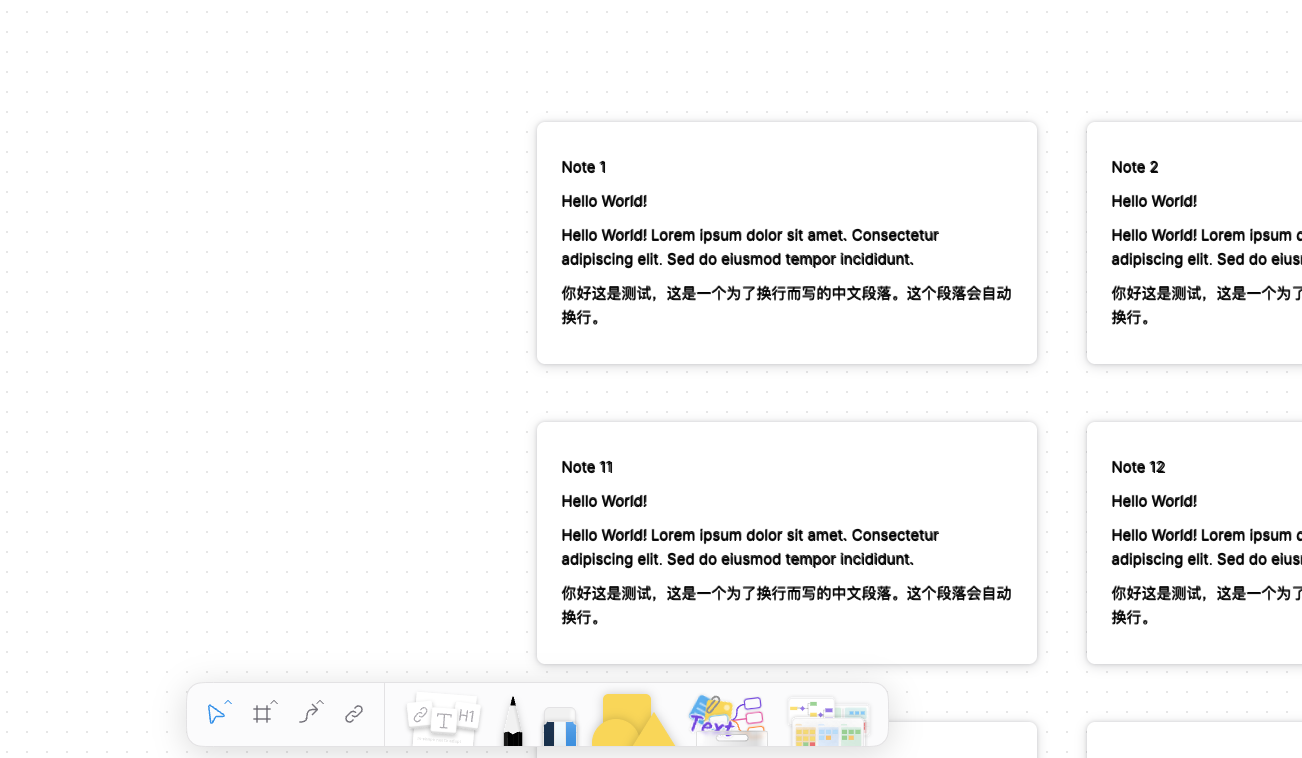
While this minimizes DOM updates, it introduces a trade-off: `idle` blocks retain an outdated layout state. Since their positions are updated using a lazy update strategy, their layout state remains frozen at the moment they were last moved out of the viewport:
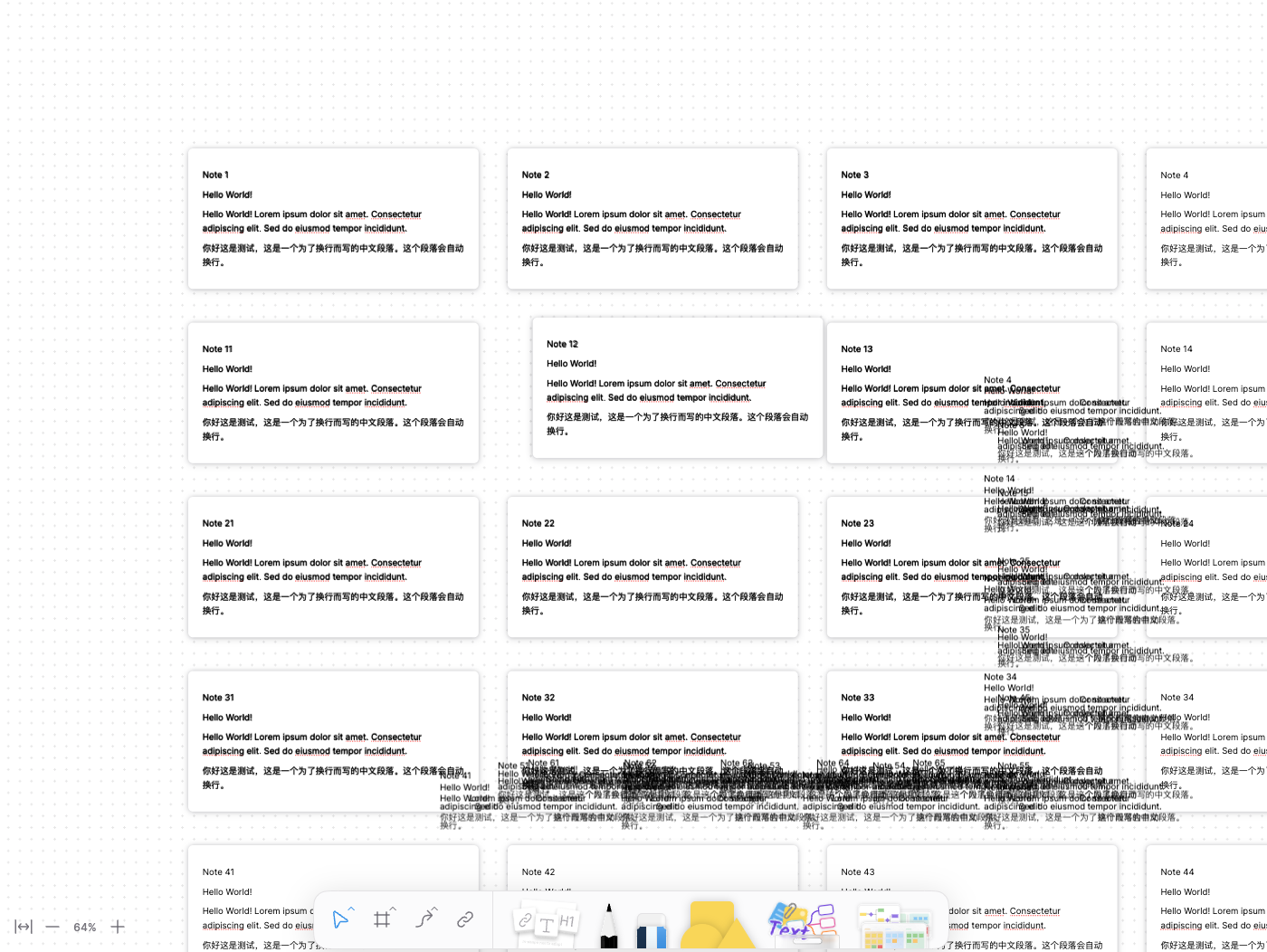
To resolve this, the PR serializes and stores the viewport field of the block at that moment on the `idle` block itself. This allows the correct layout, positioned in the model coordinate system, to be restored from the stored data.
This PR performs a significant architectural refactoring by extracting rich text functionality into a dedicated package. Here are the key changes:

1. **New Package Creation**
- Created a new package `@blocksuite/affine-rich-text` to house rich text related functionality
- Moved rich text components, utilities, and types from `@blocksuite/affine-components` to this new package

2. **Dependency Updates**
- Updated multiple block packages to include the new `@blocksuite/affine-rich-text` as a direct dependency:
  - block-callout
  - block-code
  - block-database
  - block-edgeless-text
  - block-embed
  - block-list
  - block-note
  - block-paragraph

3. **Import Path Updates**
- Refactored all imports that previously referenced rich text functionality from `@blocksuite/affine-components/rich-text` to now use `@blocksuite/affine-rich-text`
- Updated imports for components like:
  - DefaultInlineManagerExtension
  - RichText types and interfaces
  - Text manipulation utilities (focusTextModel, textKeymap, etc.)
  - Reference node components and providers

4. **Build Configuration Updates**
- Added references to the new rich text package in the `tsconfig.json` files of all affected packages
- Maintained workspace dependencies using the `workspace:*` version specifier

The primary motivation appears to be:
1. Better separation of concerns by isolating rich text functionality
2. Improved maintainability through more modular package structure
3. Clearer dependencies between packages
4. Potential for better tree-shaking and bundle optimization

This is primarily an architectural improvement that should make the codebase more maintainable and better organized.
Close [BS-2744](https://linear.app/affine-design/issue/BS-2744/slash-menu%E6%8F%92%E4%BB%B6%E5%8C%96%EF%BC%9Aaction%E6%B3%A8%E5%86%8C%E5%85%A5%E5%8F%A3)

This PR mainly focus  on providing an entry point for configuring the SlashMenu feature. Therefore, it strives to retain the original code to ensure that the modifications are simple and easy to review. Subsequent PRs will focus on moving different configurations into separate blocks.

### How to use?
Here is the type definition for the slash menu configuration.  An important change is the new field `group`, which indicates the sorting and grouping of the menu item. See the comments for details.

```ts
// types.ts
export type SlashMenuContext = {
  std: BlockStdScope;
  model: BlockModel;
};

export type SlashMenuItemBase = {
  name: string;
  description?: string;
  icon?: TemplateResult;
  /**
   * This field defines sorting and grouping of menu items like VSCode.
   * The first number indicates the group index, the second number indicates the item index in the group.
   * The group name is the string between `_` and `@`.
   * You can find an example figure in https://code.visualstudio.com/api/references/contribution-points#menu-example
   */
  group?: `${number}_${string}@${number}`;

  /**
   * The condition to show the menu item.
   */
  when?: (ctx: SlashMenuContext) => boolean;
};

export type SlashMenuActionItem = SlashMenuItemBase & {
  action: (ctx: SlashMenuContext) => void;
  tooltip?: SlashMenuTooltip;

  /**
   * The alias of the menu item for search.
   */
  searchAlias?: string[];
};

export type SlashMenuSubMenu = SlashMenuItemBase & {
  subMenu: SlashMenuItem[];
};

export type SlashMenuItem = SlashMenuActionItem | SlashMenuSubMenu;

export type SlashMenuConfig = {
  /**
   * The items in the slash menu. It can be generated dynamically with the context.
   */
  items: SlashMenuItem[] | ((ctx: SlashMenuContext) => SlashMenuItem[]);

  /**
   * Slash menu will not be triggered when the condition is true.
   */
  disableWhen?: (ctx: SlashMenuContext) => boolean;
};

// extensions.ts

/**
 * The extension to add a slash menu items or configure.
 */
export function SlashMenuConfigExtension(ext: {
  id: string;
  config: SlashMenuConfig;
}): ExtensionType {
  return {
    setup: di => {
      di.addImpl(SlashMenuConfigIdentifier(ext.id), ext.config);
    },
  };
}
```

Here is an example, `XXXSlashMenuConfig` adds a `Delete` action to the slash menu, which is assigned to the 8th group named `Actions` at position 0.
```ts
import { SlashMenuConfigExtension, type SlashMenuConfig } from '@blocksuite/affine-widget-slash-menu';

const XXXSlashMenuConfig = SlashMenuConfigExtension({
  id: 'XXX',
  config: {
    items: [
      {
        name: 'Delete',
        description: 'Remove a block.',
        searchAlias: ['remove'],
        icon: DeleteIcon,
        group: '8_Actions@0',
        action: ({ std, model }) => {
          std.host.doc.deleteBlock(model);
        },
      },
    ],
  },
});
```
 fundon