### TL;DR
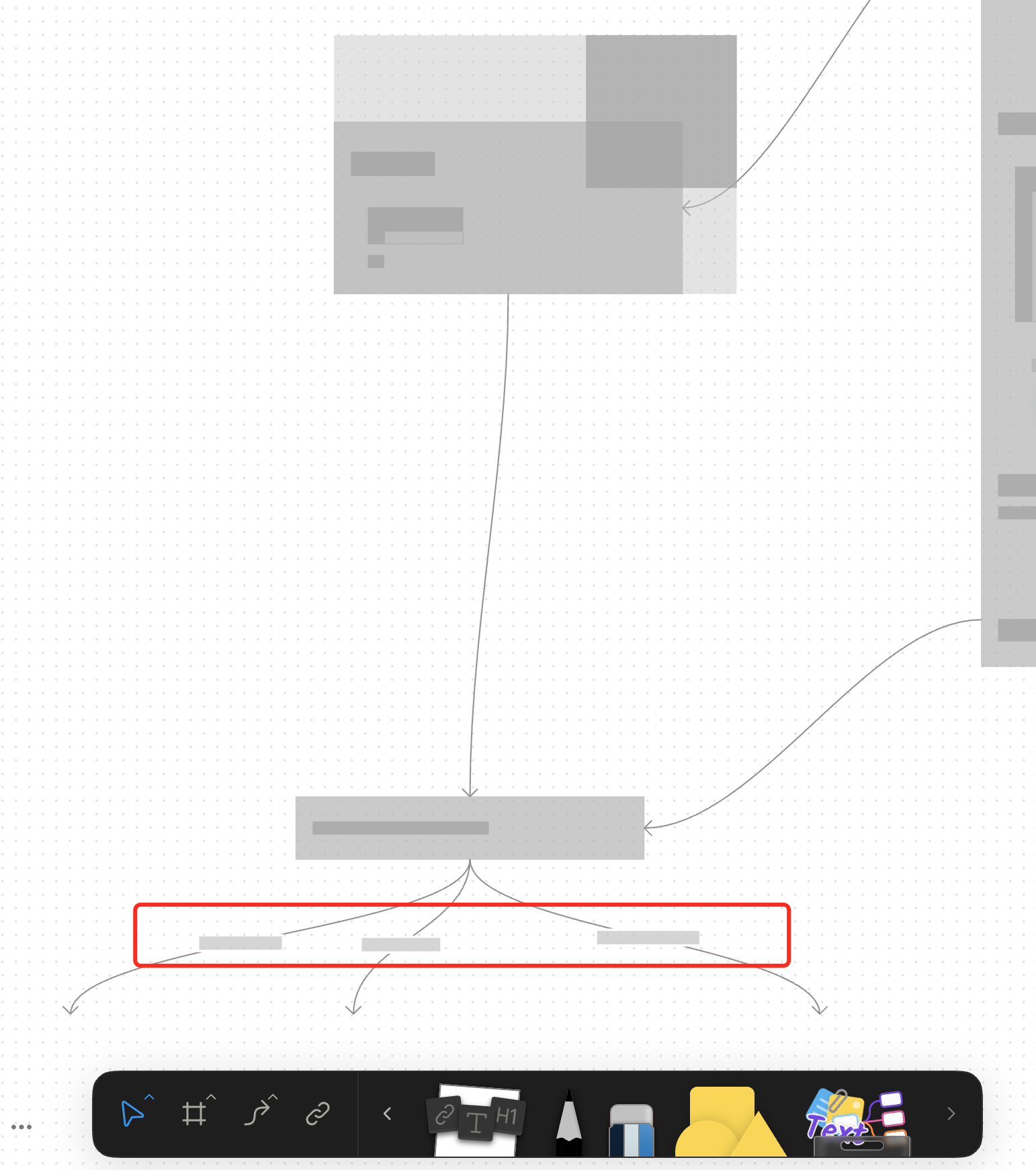
For canvas elements, this PR adds placeholders during zooming operations to improve performance.
### What changed?
- Implemented placeholder rendering during zooming operations in the canvas renderer, but not only DOM.
- Added a `forceFullRender` property to the `GfxCompatibleInterface` to allow elements to opt out of placeholder rendering
- Set `forceFullRender = true` for connectors to ensure they always render properly, even during zooming
- Connected the turbo renderer to the viewport's zooming state to automatically switch between full and placeholder rendering
### Why make this change?
Rendering complex elements during zooming operations can cause performance issues and make the UI feel sluggish. Rendering connector label also leads to high cost DOM `set font` delays.
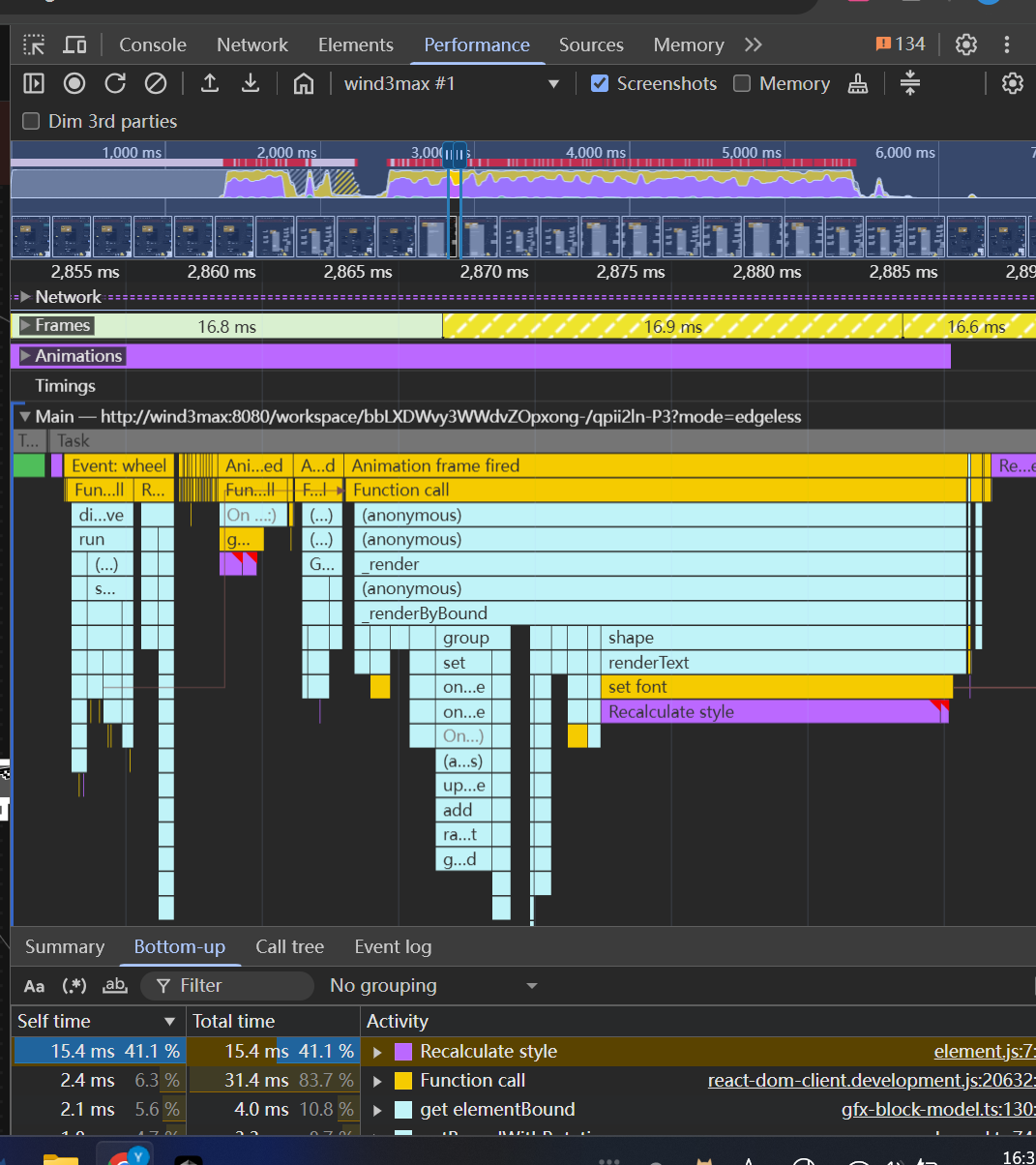
The turbo renderer improves performance by displaying simple placeholders for elements during zooming, while still rendering critical elements like connectors fully. This creates a smoother user experience while maintaining essential visual information.
<!-- This is an auto-generated comment: release notes by coderabbit.ai -->
## Summary by CodeRabbit
- **New Features**
- Introduced a feature-flag-controlled "turbo" rendering mode that displays placeholder graphics during zooming for improved performance.
- Added the ability to override placeholder rendering for specific elements, ensuring full rendering when required.
- **Bug Fixes**
- Enhanced rendering logic to ensure connectors always render fully, even during zoom operations.
- **Documentation**
- Updated API documentation to reflect new properties related to rendering behavior.
- **Tests**
- Improved tests to verify correct rendering behavior for connectors.
<!-- end of auto-generated comment: release notes by coderabbit.ai -->
### Changed
- Rewrite box selection in `default-tool`, the view can decide whether to be selected in box selection by return a boolean value in `onBoxSelected` method
- Cleanup unnecessary states in `default-tool` and some naming problem
### Changed
Moved connector label moving logic from `default-tool` to connector view.
#### Other infrastructure changes:
- Gfx element view now can handles drag events
- Added `context.preventDefault()` support to bypass built-in interactions in extension
- Handle the pointer events in element view will bypass the built-in interactions automatically
> The built-in interactions include element dragging, click selection, drag-to-scale operations, etc.
### Change
- Rename `ElementTransformManager` -> `InteractivityManager`
- Now you can `event.on` and `action.onXXX` method to extend interactivity behaviour. The old approach of overriding methods directly is deprecated.
### TL;DR
Refactor space-triggered AI Widget activation logic from `keydown` to `keypress` event listeners

### Background

The `keydown` event triggered by a space may originate from:
1. Normal space insertion
2. Space triggered by input method confirming candidate words

In scenarios like (2), some browsers (see [ISSUE](https://github.com/toeverything/AFFiNE/issues/11541)) and input method callbacks produce events identical to scenario (1),making it impossible to distinguish between the two.

To fix this, the space-activated AI listener uses the `keypress` event:
In scenario 2, `event.which !== 32` (may be `30430` or other values) can be used to differentiate from scenario 1.

> CLOSE BS-3081
Close [BS-2866](https://linear.app/affine-design/issue/BS-2866/presentation-mode中的note消失)

## Problem
When using RequestAnimationFrame (RAF) for GFX block updates, there was a timing issue where the transform update would lag behind the RAF callback, causing the block to display with the previous frame's transform state.

## Solution
1. Refactored the block state management to use signals for better reactivity
2. Moved block visibility state management from `viewport-element.ts` to `gfx-block-component.ts`
3. Added `transformState$` signal to track block state
4. Synchronized transform updates with RAF using `effect` to ensure updates happen in the correct frame
5. Added test case to verify note visibility in presentation mode
In this way, all downstream callers can be guaranteed by correct viewport fit result, instead of requiring them to set `forceUpdate: true` param explicitly to them. The resizing optimization is an internal exception.
 doodlewind

